
Published: November 19, 2026
How we built Link2Eat, the iPhone app that turns cooking videos into recipes
Link2Eat, a recipe manager app for iPhone, is out. It turns TikTok, Instagram and YouTube cooking videos into recipes. How we built it and what's next.
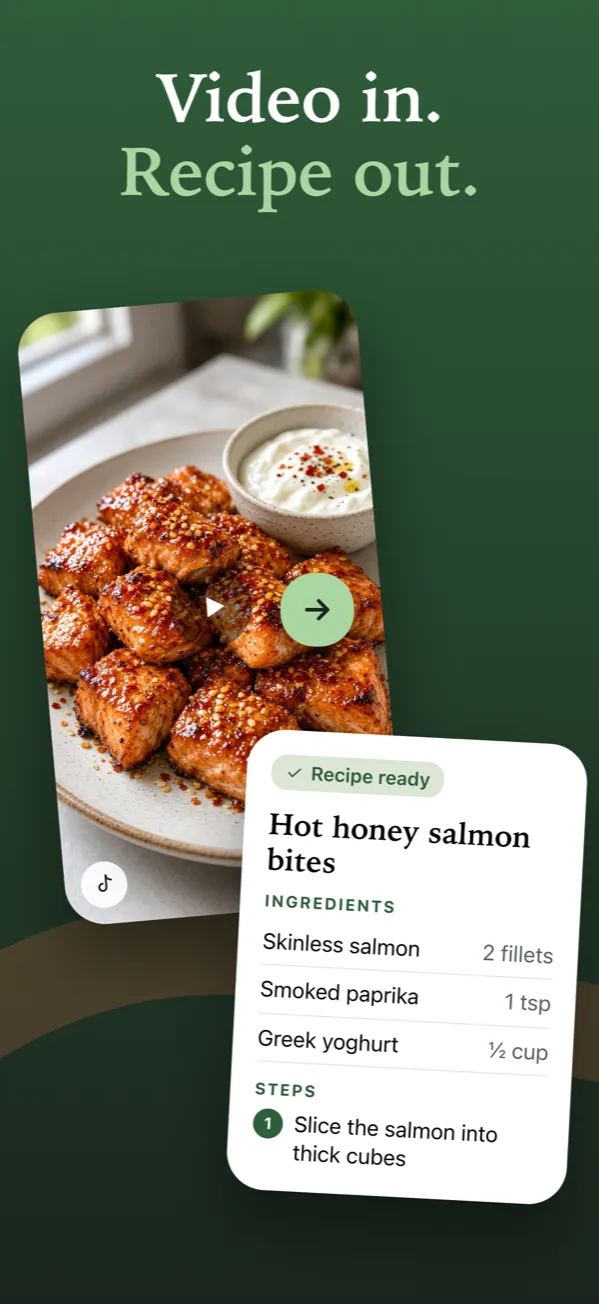
Link2Eat for iPhone is out. Share a cooking video from TikTok, Instagram or YouTube, and Link2Eat writes out the recipe, with ingredient amounts and numbered steps, and keeps it in your collection. Here’s how we got from a Telegram bot to an app, and the decisions we made along the way.
About languages: for now, the app and the recipes it writes are in English only, whatever language the video is in. More languages are coming soon, so there’s no need to wait to install it. No iPhone? The Telegram bot works on any device.
Where we started
Link2Eat began as a Telegram bot: send it a link to a cooking video, get the recipe back. It works on any device and there’s nothing to install. But two things kept coming up:
- Sending a link took too many steps. Copy the link, open Telegram, find the bot, paste.
- Recipes got lost in the chat. Once you have a few dozen, scrolling up to find last week’s pasta isn’t fun.
We wrote about this in Why we’re building a Link2Eat app for iPhone. This post is about what we actually built.
Decision 1: save recipes from TikTok, Instagram and YouTube with the Share button
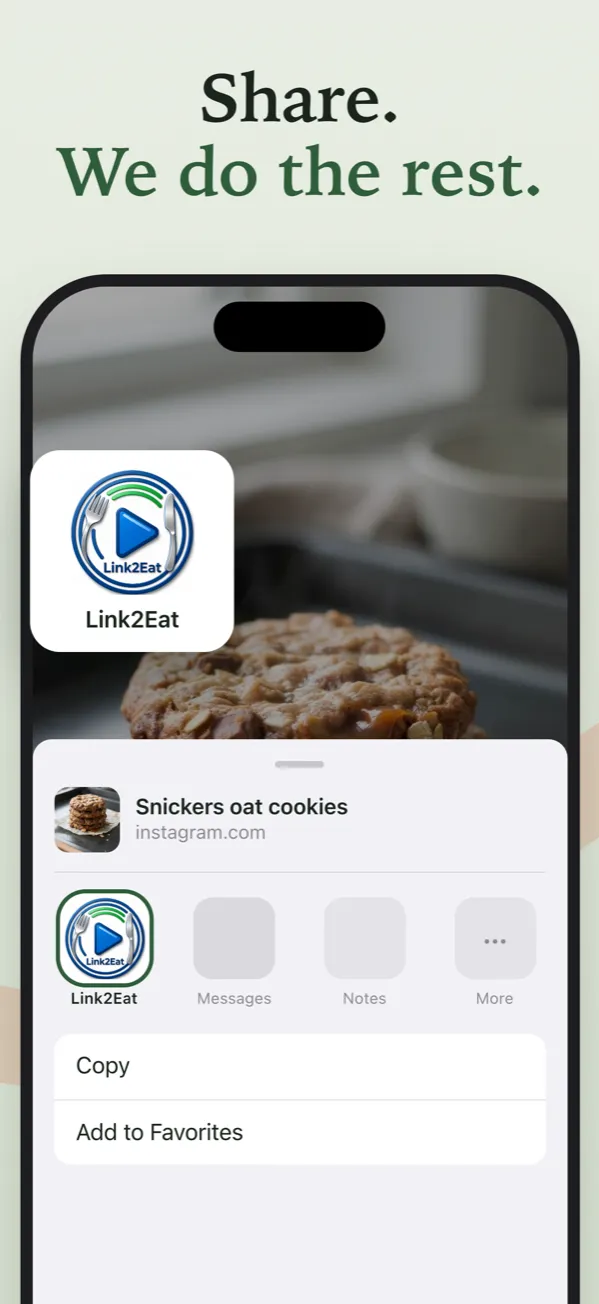
Most cooking videos are found while scrolling, so the app should be one tap away from there. In TikTok, Instagram or YouTube, tap Share, then Link2Eat. You don’t even have to leave the video. If Link2Eat isn’t in the row of apps, scroll to the end, tap More and turn it on.
Copying a link and pasting it into the app still works too.
Decision 2: you don’t have to wait
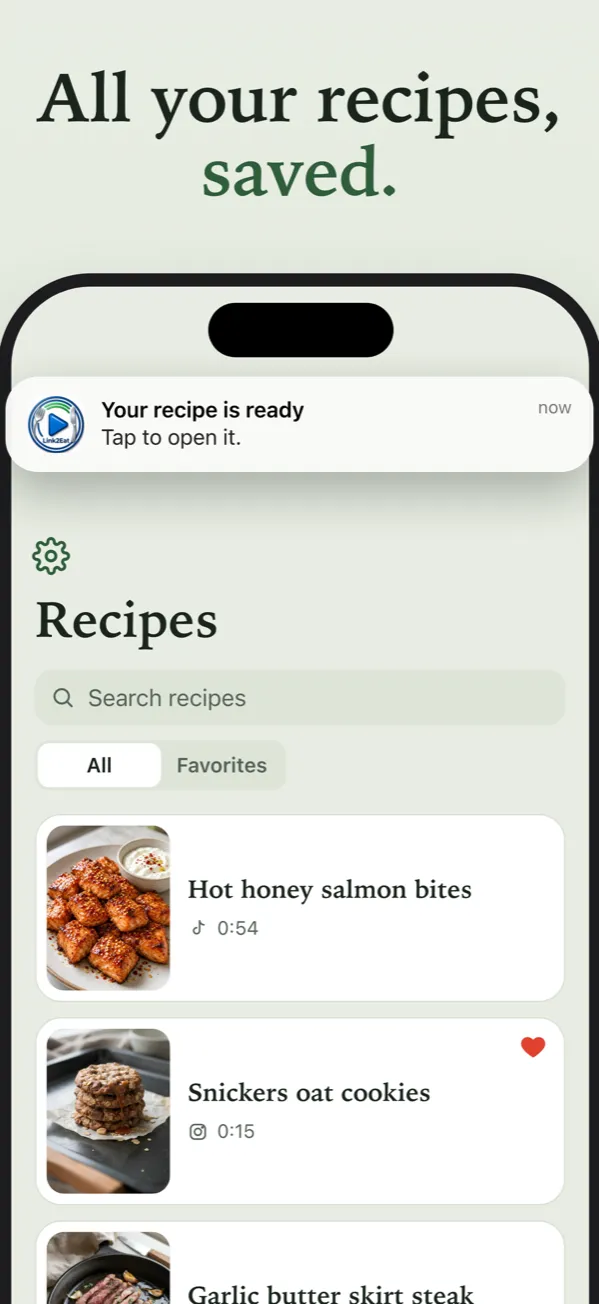
Writing a recipe usually takes about a minute. You can close the app in the meantime: when the recipe is ready, you get a notification.
We don’t ask for notification permission when you first open the app. We ask after you send your first link, when a notification is actually useful.
Decision 3: a recipe manager, not a chat
Every recipe goes into your personal collection automatically. You can search it, mark favorites, and open the original video from any recipe.
Decision 4: no made-up recipes
If a video doesn’t show or explain a recipe, Link2Eat won’t make one up. A failed attempt doesn’t use up a free recipe. The app works with public videos up to 2 minutes long.
Decision 5: simple sign-in, easy to leave
You sign in with Apple. It’s the only option, and it means there’s no password to remember. If you want to leave, you can delete your account right in Settings.
Try it without a video
No cooking video handy? On the empty home screen there are a few example videos. Tap one to see how it works. The examples don’t count toward your free recipes.
What it costs
Link2Eat is free during early access. Your free trial lasts 30 days and covers 5 recipes, for videos up to 2 minutes long. No card needed. Paid plans will come later, and we’ll tell you before anything changes. Recipes you’ve already saved stay in your collection after the trial ends.
What stays the same
The Telegram bot keeps working. It’s still the easiest option if you don’t have an iPhone or simply prefer Telegram.
Good to know: your app account is separate from your Telegram bot account. Recipes saved in the bot don’t carry over to the app.
What’s next
First up: more languages, both for the app itself and for the recipes it writes. We’ll share news on the Link2Eat app page and in the Telegram bot.
Questions or ideas? Write to us at [email protected]. We read every message.