
Recipe converter for Telegram
Turn a YouTube Short into a recipe in Telegram
A YouTube Short can show the idea in seconds. Link2Eat turns the useful cooking information into a recipe you can follow at your own speed.
Free to try · no signup · works inside Telegram
Conversion happens in Telegram — this page shows what to send and what you will get.
YouTube Shorts recipe flow in Telegram
See how Link2Eat turns a YouTube Short into a structured recipe in Telegram.
Shorts problem
Short videos move fast. Your recipe should not.
A YouTube Short can show the whole idea before you have taken out a pan. That speed is useful for discovery, but awkward for cooking.
Link2Eat turns the useful parts into a stable recipe format you can scan at your own pace.
Shorts flow
How to convert a YouTube Short into a recipe
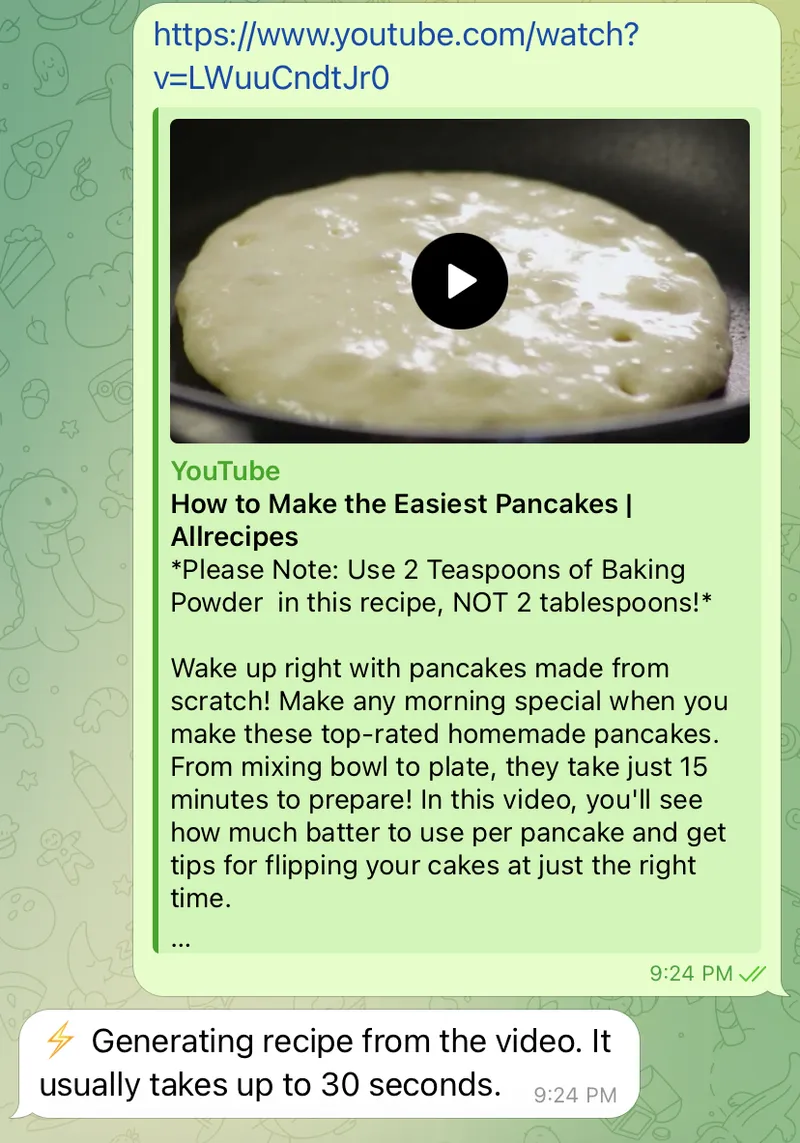
Copy the Shorts link and send it to Link2Eat in Telegram. The bot returns a recipe when the link contains enough accessible cooking information.
- 1 Open the YouTube Short.
- 2 Copy the link from share.
- 3 Send it to Link2Eat.
- 4 Cook from the returned recipe.
Recipe output
What you receive in Telegram
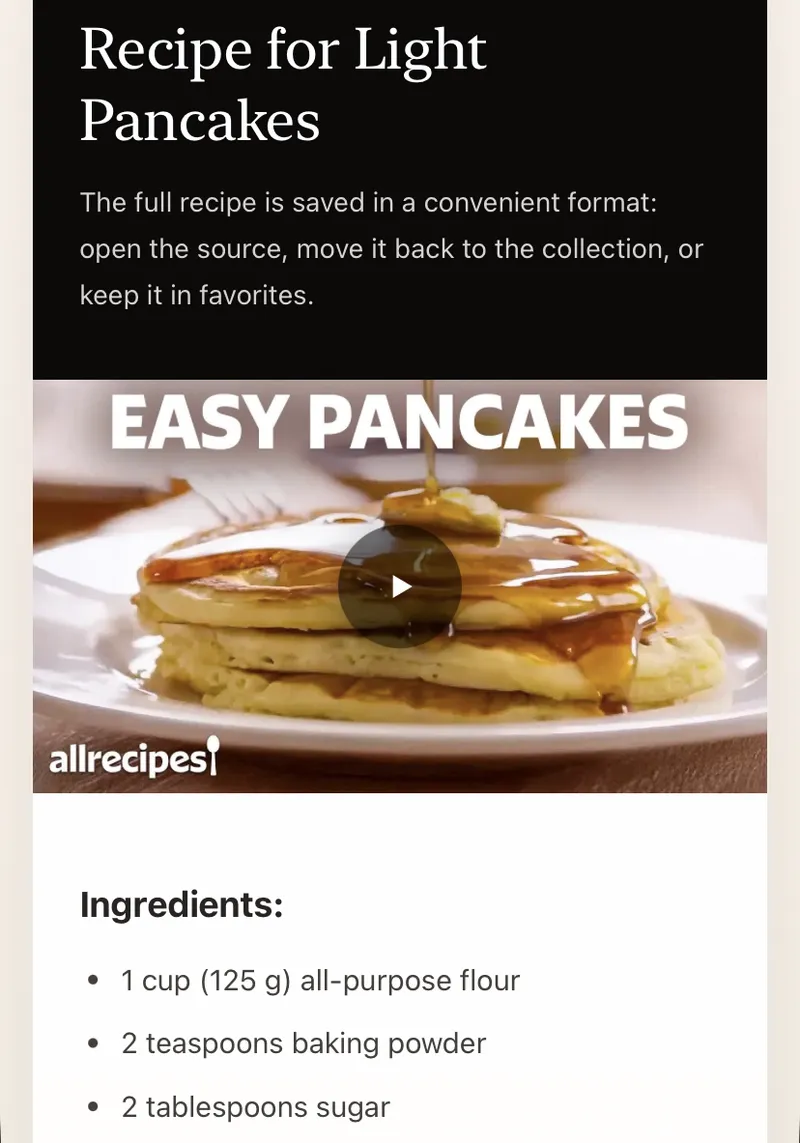
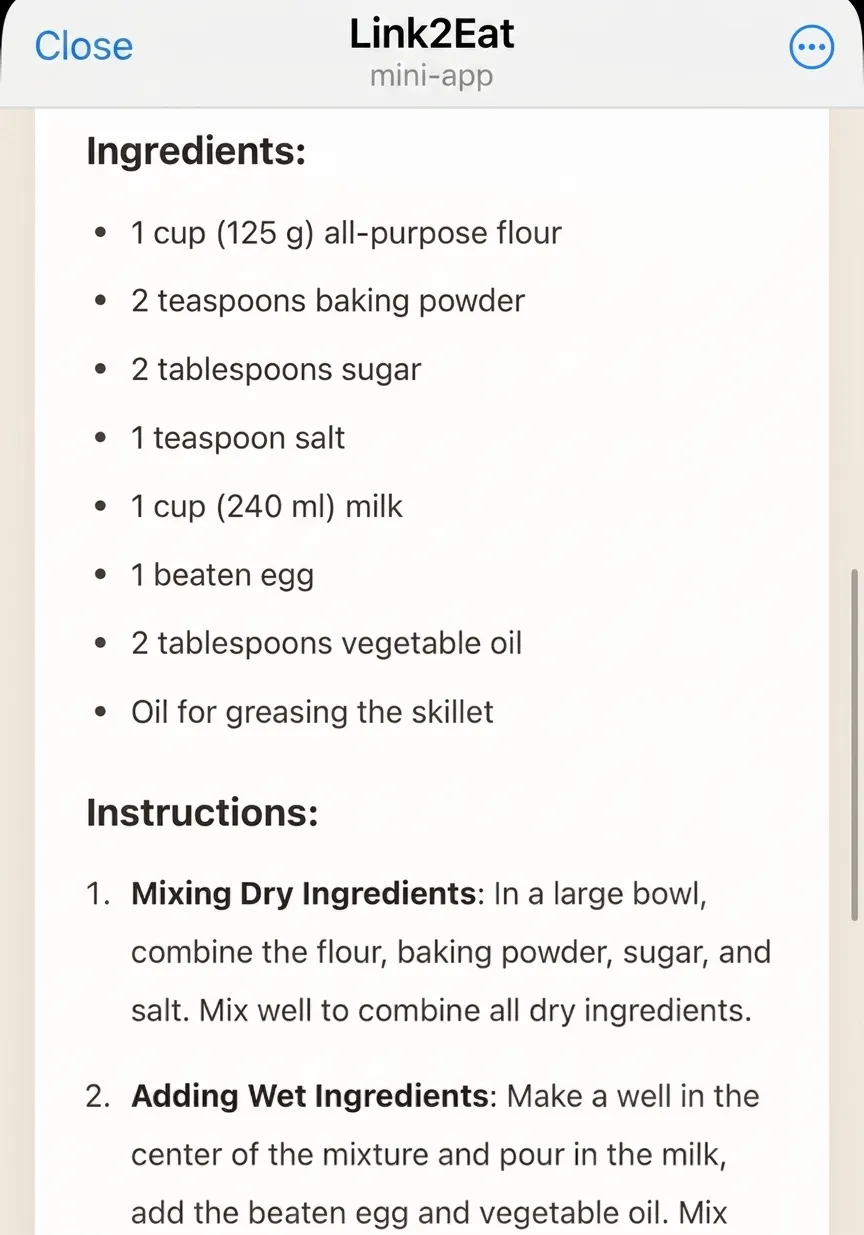
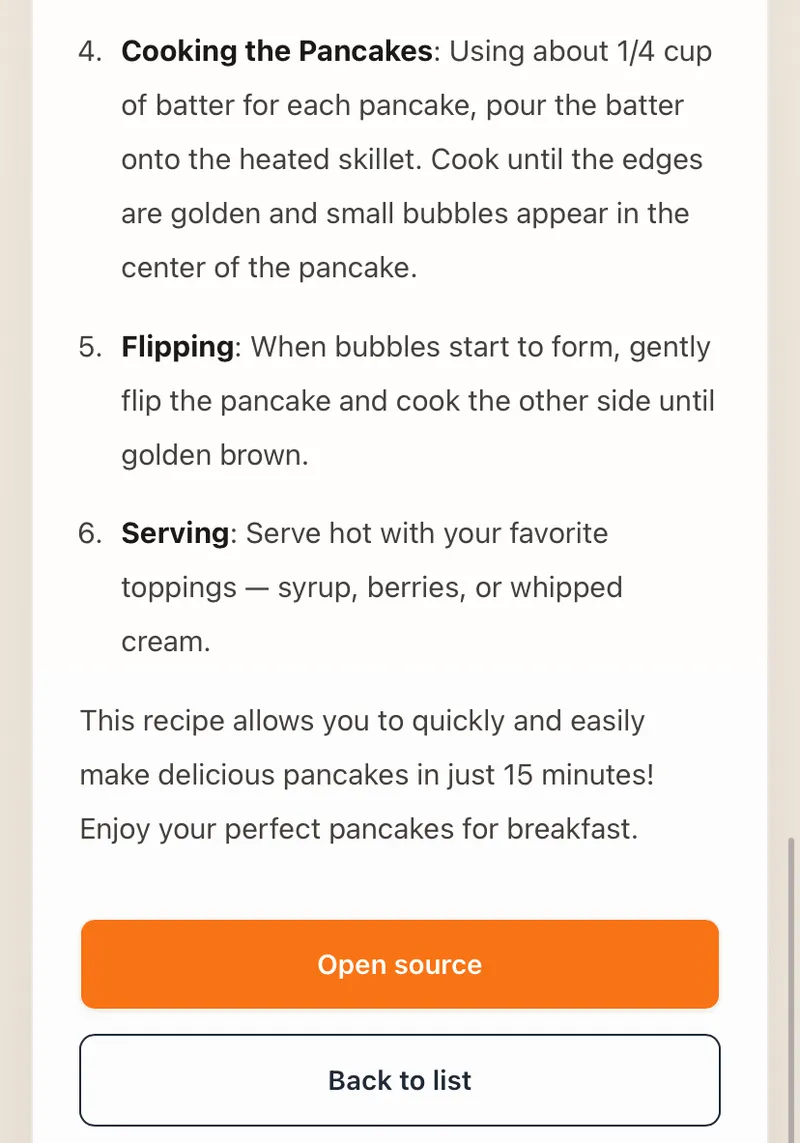
The returned recipe focuses on what matters during cooking: ingredients, clear steps and useful tips or important details from the video.
This page is about Shorts. For a regular long YouTube video, the safest way to check a specific link is to send it to the bot.
Saved result
Build a practical cookbook from saved Shorts
Instead of relying on watch history or a saved-video list, keep the converted recipe in your personal cookbook inside Telegram.
A YouTube Short, converted
The user sent the bot a YouTube Shorts link: https://www.youtube.com/shorts/eB9P4PpYeRg
One-Pan Marry Me Chicken Orzo
- 1.5 pounds (approximately 680 g) boneless chicken breast, diced
- 3/4 cup sun-dried tomatoes in oil, drained
- 1 cup orzo
- 3/4 cup full-fat coconut milk or heavy cream
- 3/4 cup freshly grated Parmesan cheese
…and 8 more ingredients · 6 steps in the full recipe
Read the full One-Pan Marry Me Chicken Orzo recipeBefore you paste a YouTube link
- Both Shorts and regular watch links work, as long as the video is public.
- An ingredient list in the description or transcript helps — text on screen alone can be patchy.
- Deleted or region-blocked videos are unavailable; a clip without usable recipe details returns little.
Recently extracted recipes
Real recipes extracted from cooking videos. Browse the full recipe collection.
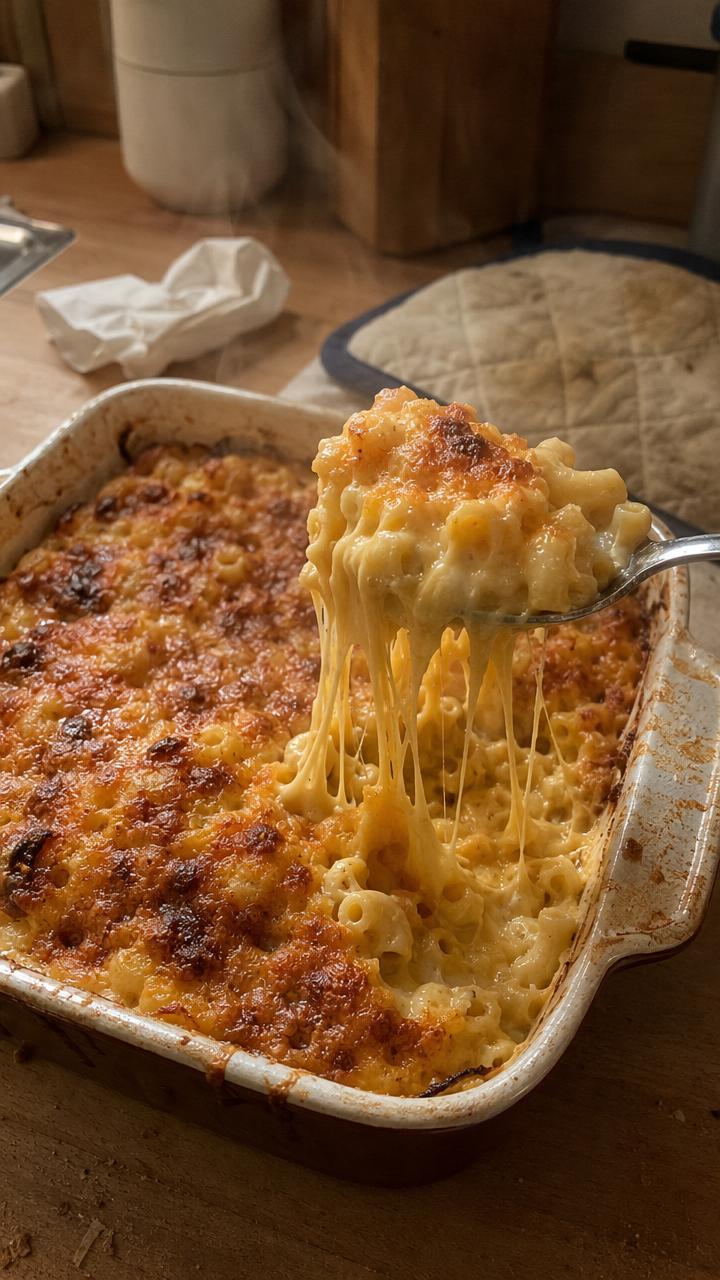
Stretchy Baked Mac and Cheese
A mozzarella-heavy baked mac and cheese with cheddar and a creamy sauce, extracted from Connor Caine's YouTube Short.
View recipe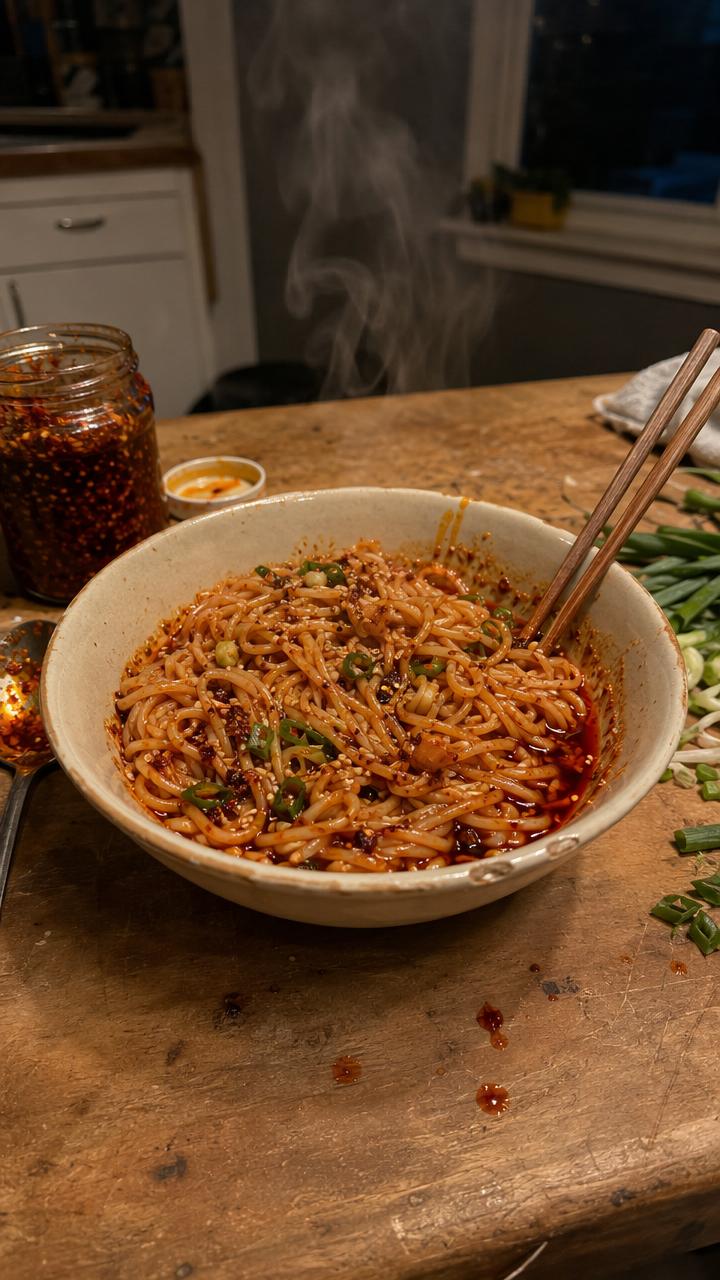
10-Minute Chili Oil Noodles
Quick chili oil noodles with garlic, shallot, cilantro, lime, soy and oyster sauce, extracted from Chef Tyler's YouTube Short.
View recipe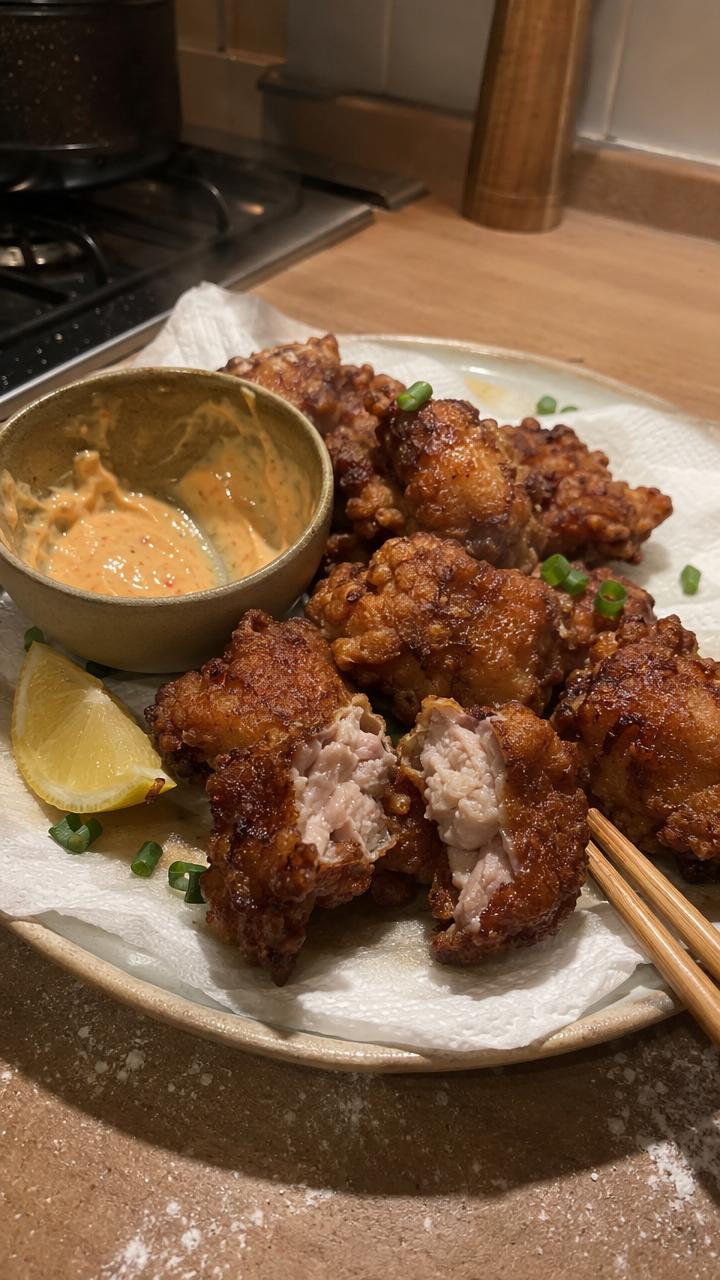
Japanese Chicken Karaage
Juicy marinated chicken thighs with a flour-and-cornstarch coating and two-stage fry, extracted from The Crystal Cookbook.
View recipe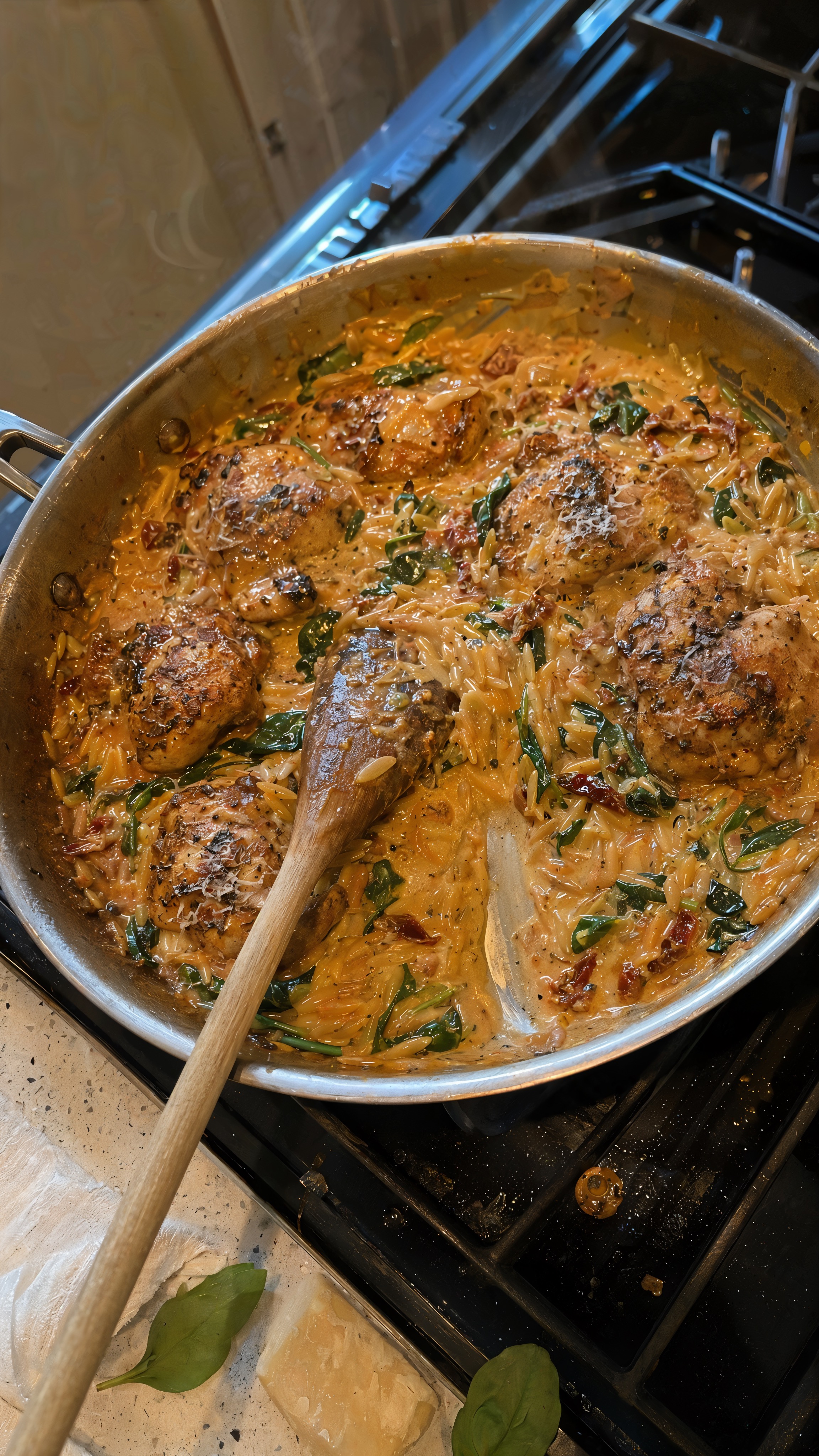
One-Pan Marry Me Chicken Orzo
A creamy one-pan chicken orzo with sun-dried tomatoes, spinach, and Parmesan, extracted from KALEJUNKIE's YouTube Short.
View recipe
Strawberry Tanghulu
Fresh strawberries in a crisp glass-like sugar shell, extracted from Simply Home Cooked's YouTube Short.
View recipe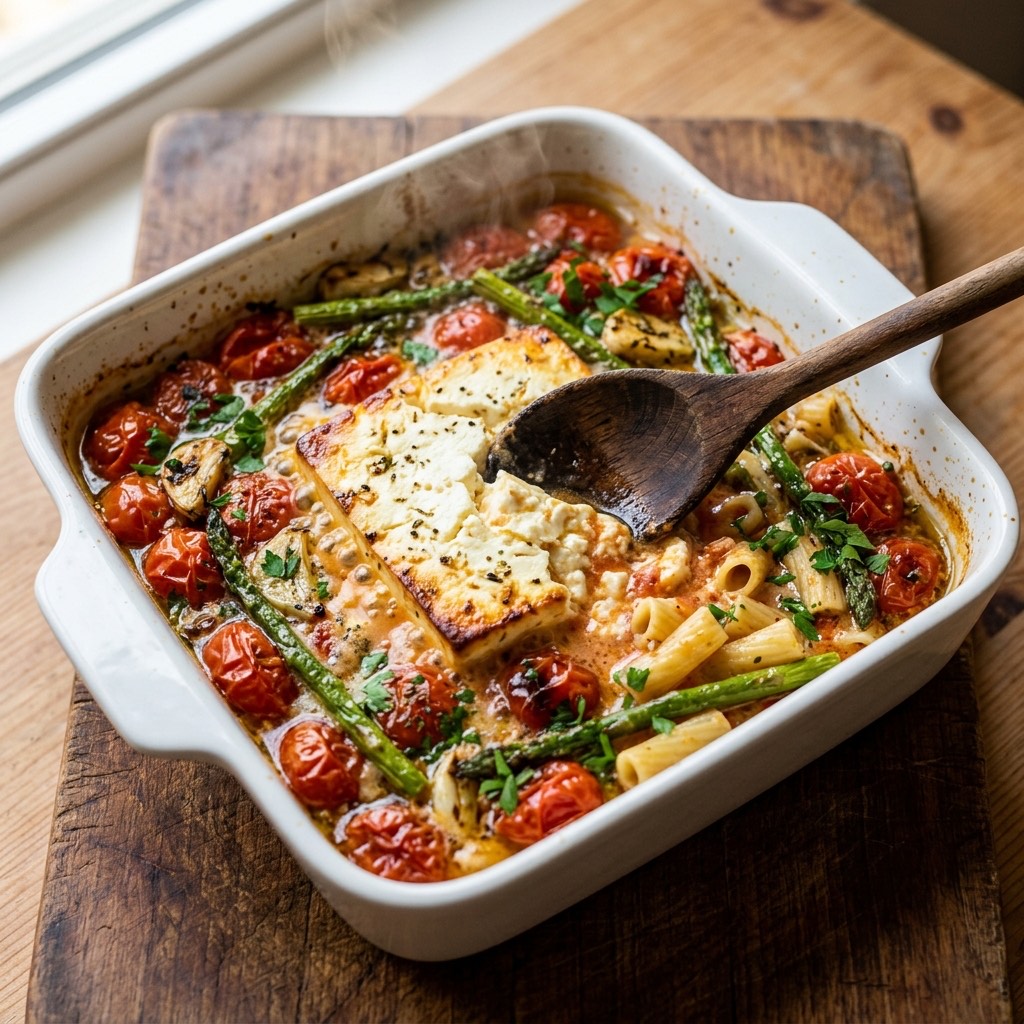
Baked Feta Pasta
The viral baked feta pasta with roasted tomatoes and asparagus, extracted from a cooking video and tossed into a creamy sauce.
View recipeFrequently asked questions
Practical answers before you send your first cooking video link.
How do I copy a YouTube Shorts link?
+
Open the Short, use share and copy the link. Send that link to Link2Eat.
Can I use a regular YouTube video?
+
This page is focused on YouTube Shorts. Support for a specific regular YouTube link is easiest to check by sending it to the bot.
Where can I reopen the converted Shorts recipe?
+
The converted recipe stays in your personal Telegram cookbook, ready to reopen when you cook.
Do I need to install an app?
+
No. Link2Eat works inside Telegram.
Save the next useful cooking video as a recipe
Send a link to Link2Eat in Telegram and keep the returned recipe in your personal cookbook.
Free to try · no signup · works inside Telegram
Free to try · no signup · works inside Telegram