
New on the App Store · iPhone
The recipe manager app that turns cooking videos into recipes
Found a recipe on TikTok, Instagram or YouTube? Share the video to Link2Eat and get it written out, with exact amounts and numbered steps, saved to your own recipe collection.
Download on the App StoreFree during early access: 30 days and 5 recipes, for videos up to 2 minutes. No card needed.
For now, the app and its recipes are in English only, whatever language the video is in. More languages are coming soon, so there's no need to wait to install it.
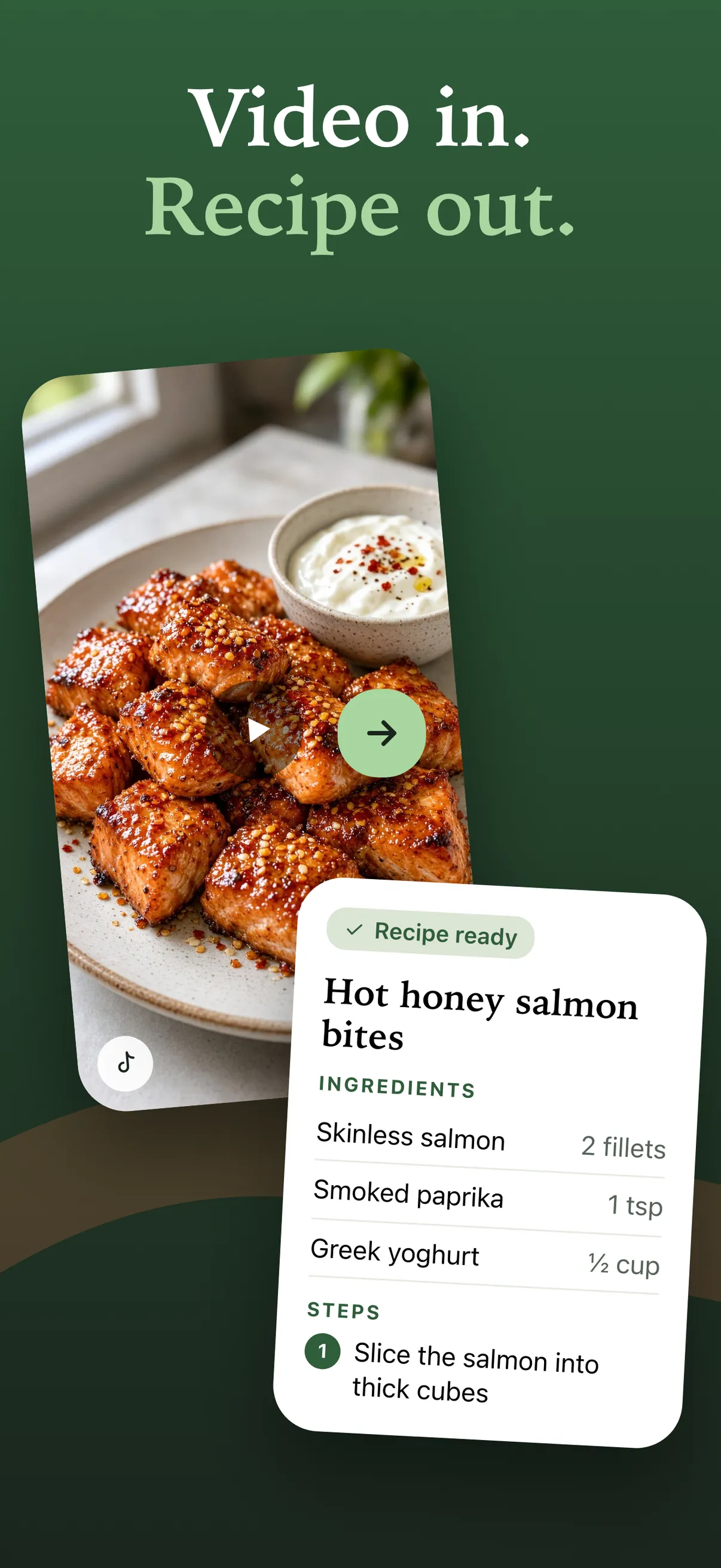
How to save recipes from TikTok, Instagram and YouTube
- 01
Share the video to Link2Eat
Watching a recipe on TikTok, Instagram or YouTube? Tap Share and pick Link2Eat. Pasting a link works too.
- 02
Get a recipe you can cook from
Ingredients with amounts and clear, numbered steps. No more pausing and rewinding the video. It usually takes about a minute.
- 03
Keep every recipe in one place
Recipes go into your collection automatically. Search it, mark favorites and open the original video from any recipe.
On the blog: How we built Link2Eat, the iPhone app that turns cooking videos into recipes Why we're building a Link2Eat app for iPhone
Inside the app
-
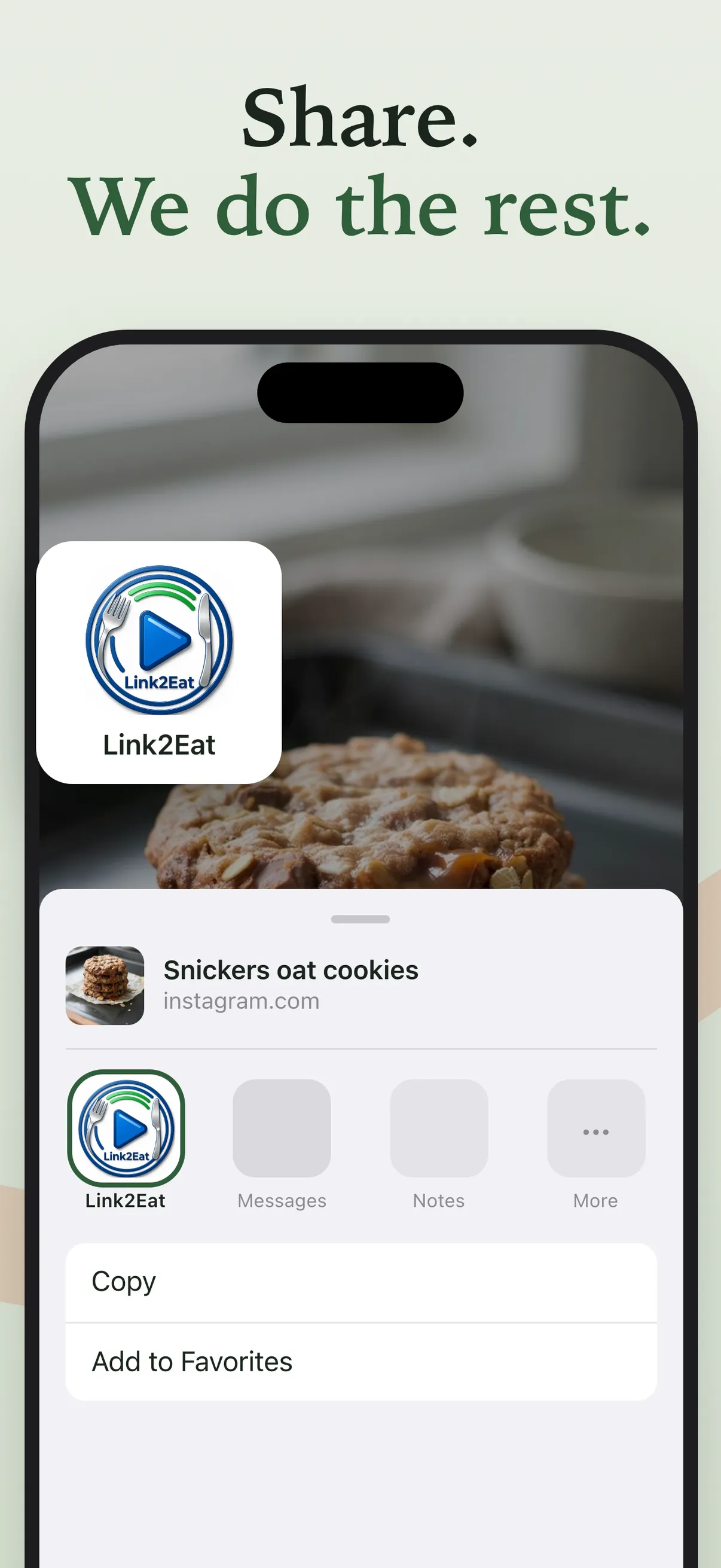
Share a video straight to Link2Eat -
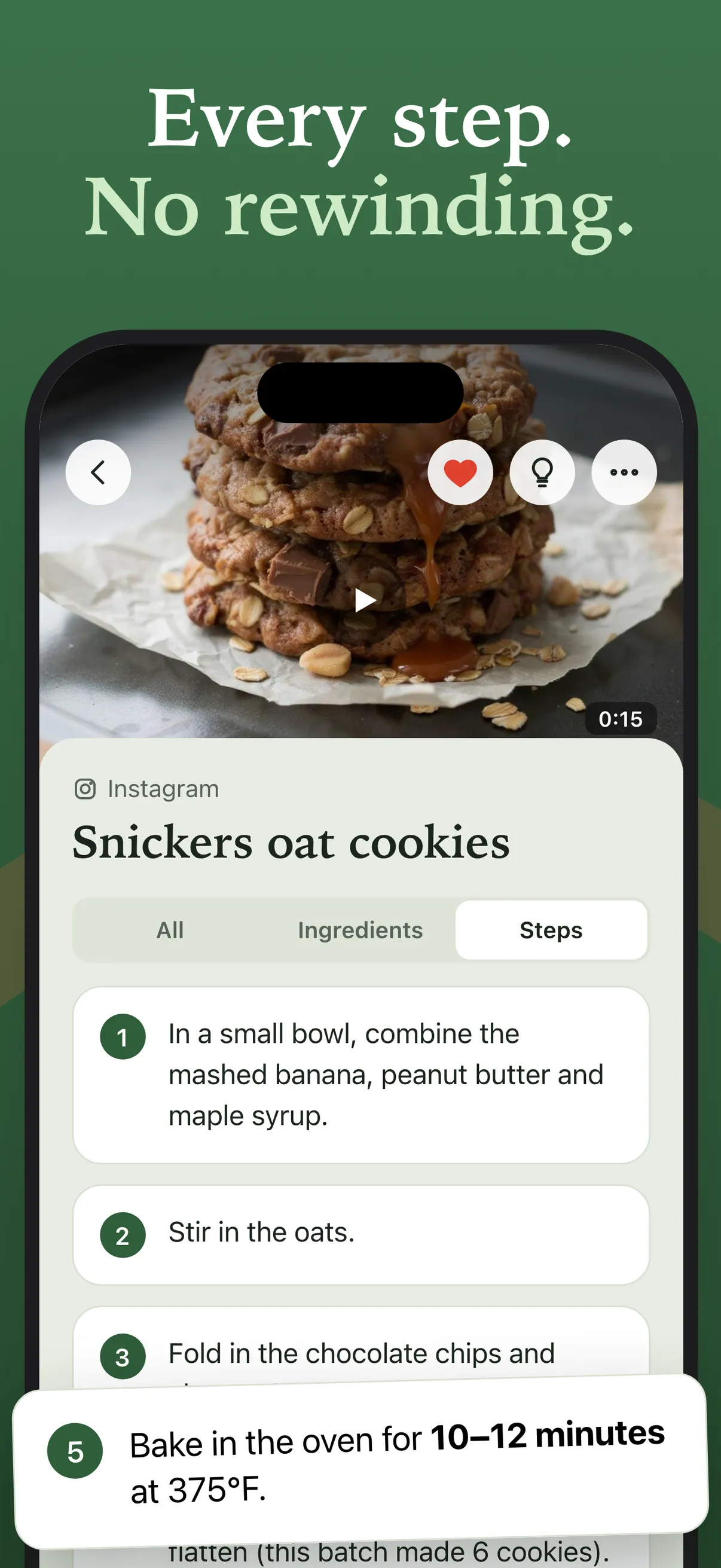
Numbered steps, no rewinding -
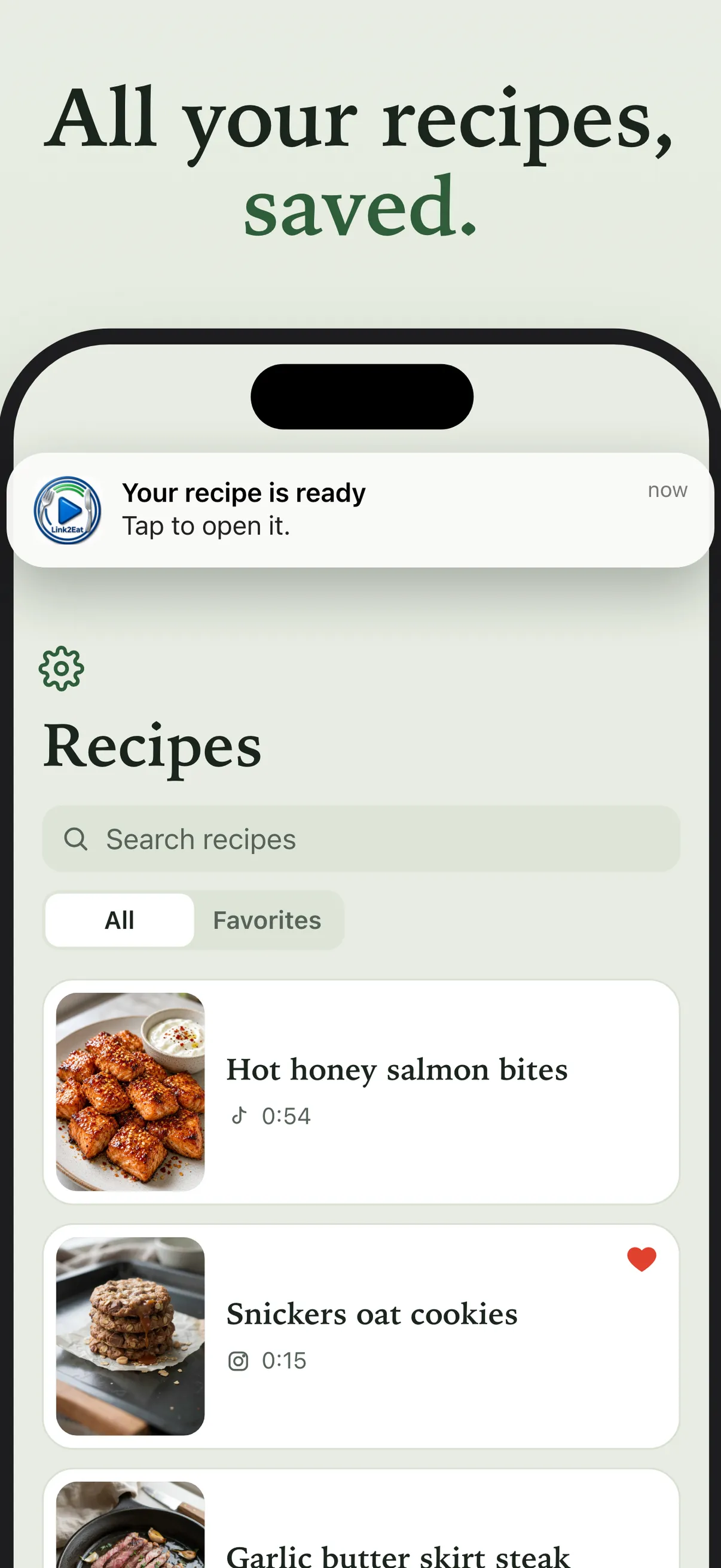
All your recipes in one searchable collection -
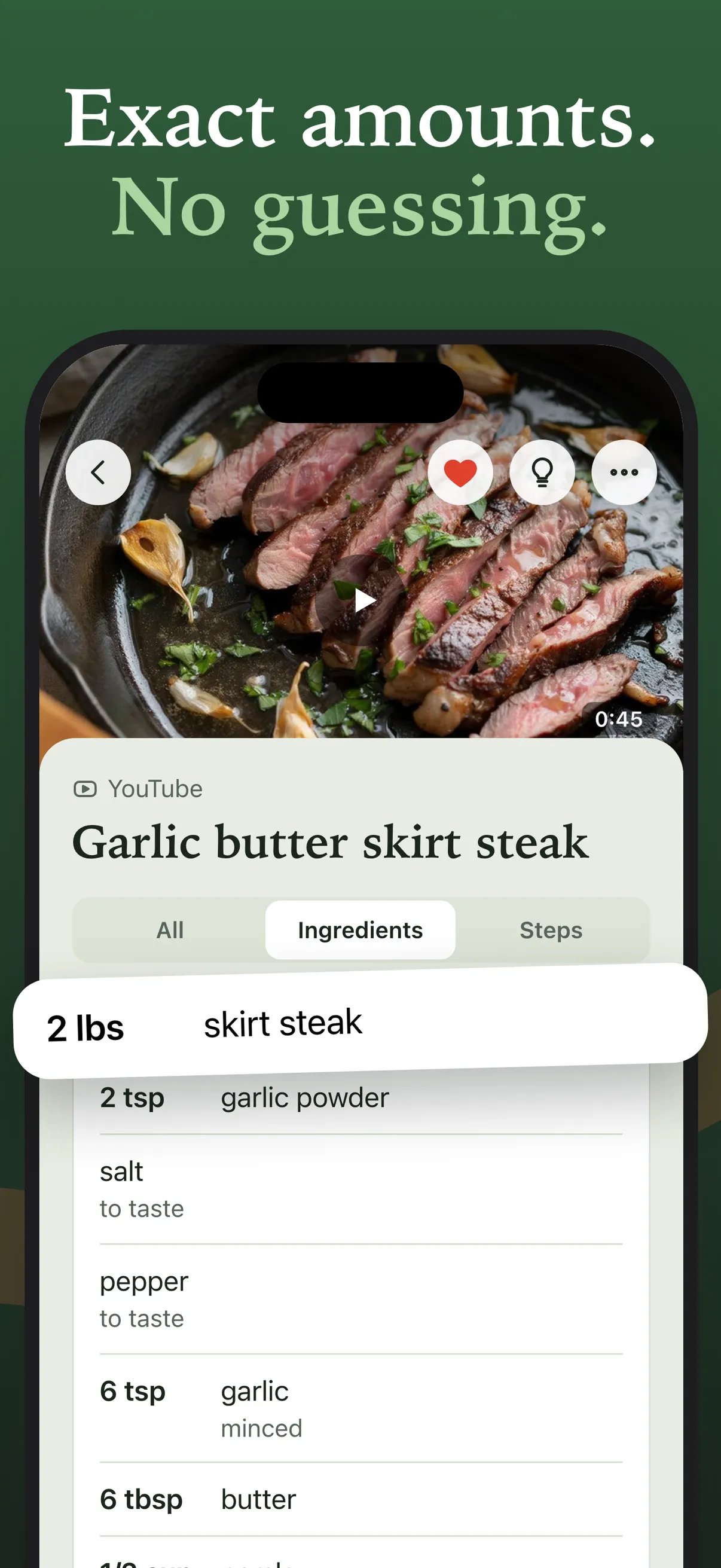
Exact amounts for every ingredient
Questions about the app
Is Link2Eat free?
Yes, during early access. You get 30 days and 5 recipes, for videos up to 2 minutes, with no card needed. Paid plans will come later, and we'll tell you before anything changes. Recipes you've saved stay in your collection after the trial.
Which videos can I turn into recipes?
Public cooking videos from TikTok, Instagram and YouTube, up to 2 minutes long. If a video doesn't show or explain a recipe, Link2Eat won't make one up, and a failed attempt doesn't use up a free recipe.
What languages does the app support?
For now, the app and its recipes are in English, whatever language the video is in. More languages are coming soon, so you can install it now and start saving recipes.
Which iPhones does it work on?
Any iPhone with iOS 16.4 or later. You sign in with Apple, so there's no password to remember.
Is there an Android version?
Not yet. If you're on Android or a computer, use the Link2Eat Telegram bot. It turns cooking video links into recipes on any device.
Will my recipes from the Telegram bot show up in the app?
No. Your app account is separate from your Telegram bot account, so recipes saved in the bot don't carry over to the app.