
Recipe converter for Telegram
Turn an Instagram Reel into a recipe in Telegram
Saved Reels mix recipes with everything else. Send a cooking Reel to Link2Eat and keep the useful recipe details in Telegram.
Free to try · no signup · works inside Telegram
Conversion happens in Telegram — this page shows what to send and what you will get.
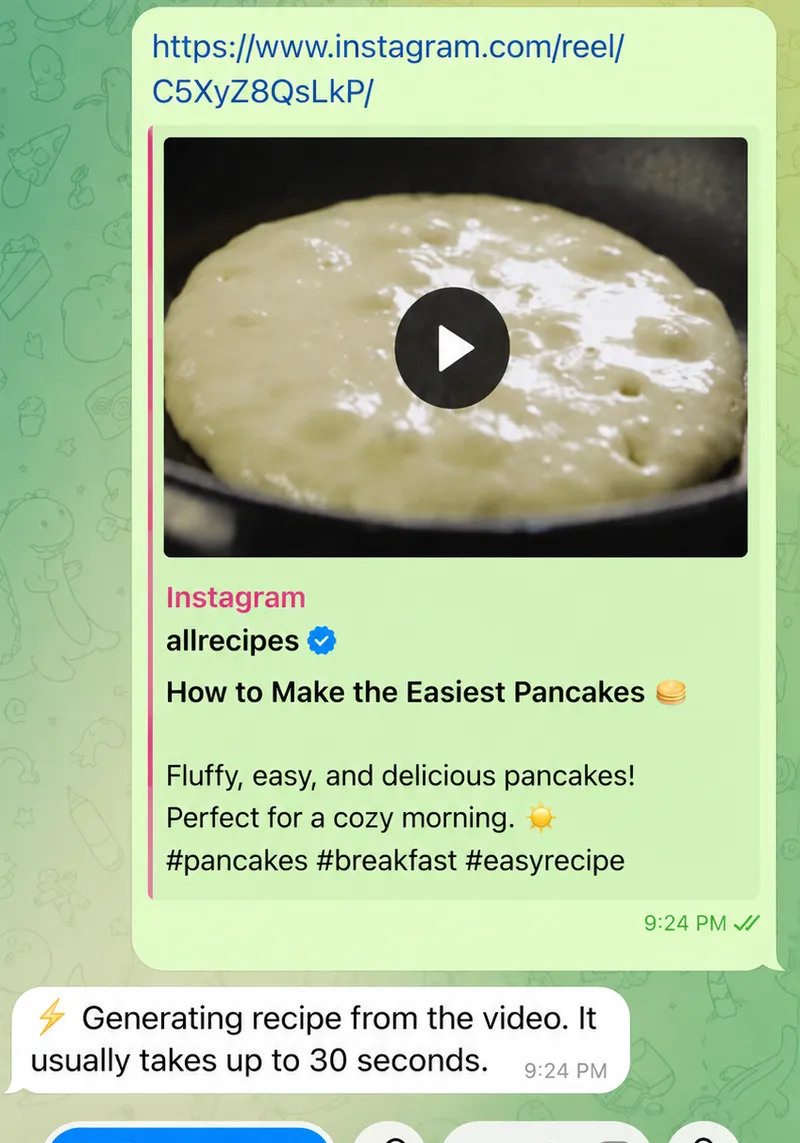
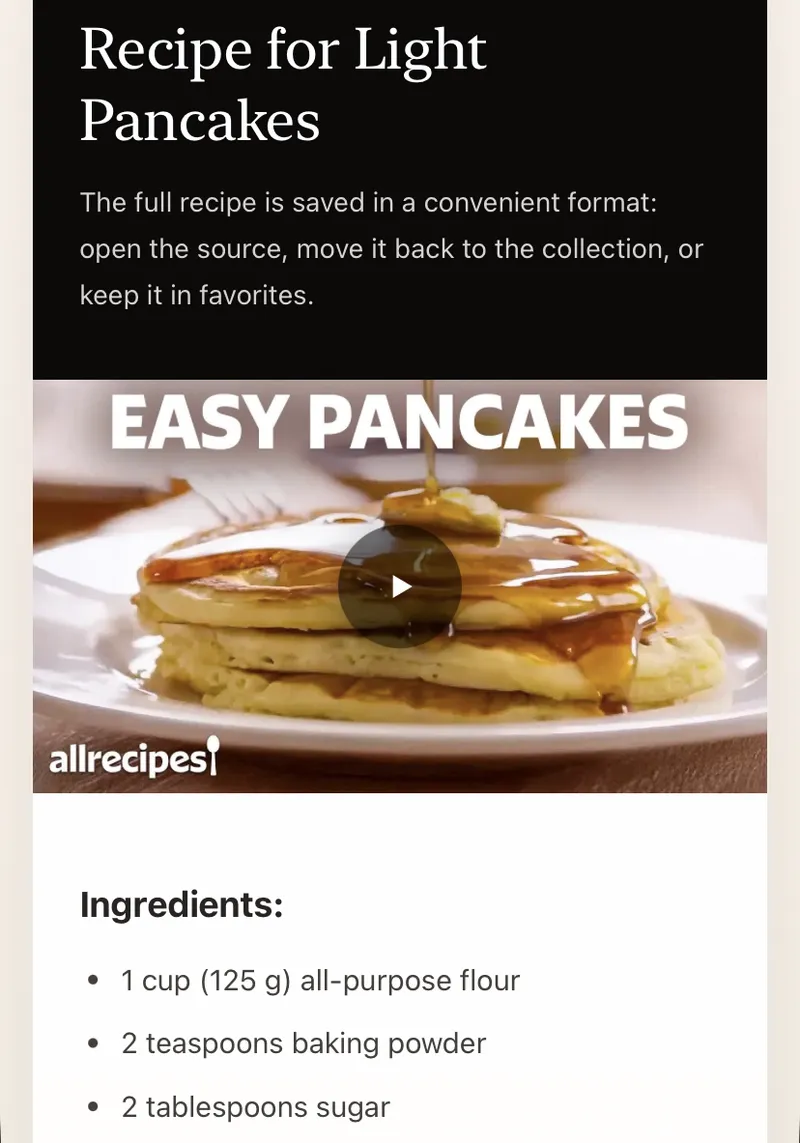
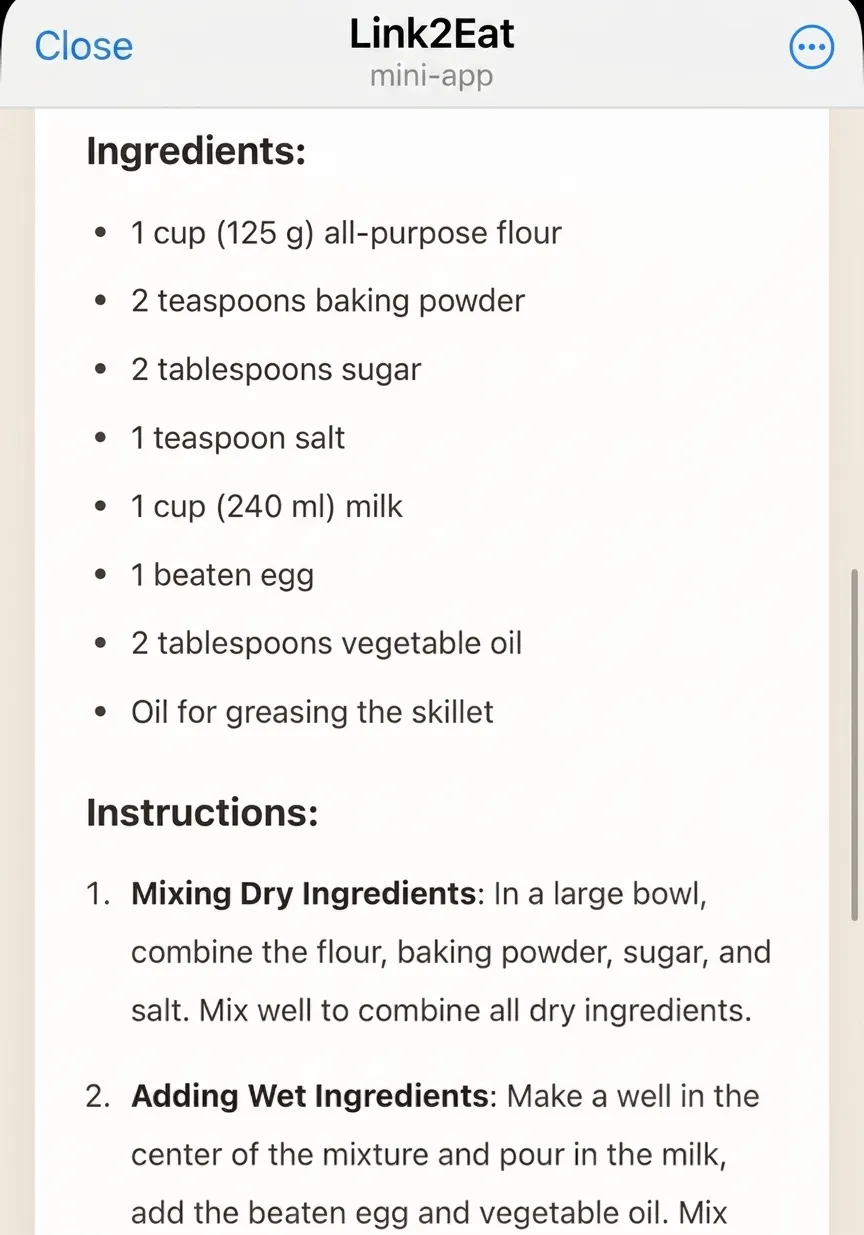
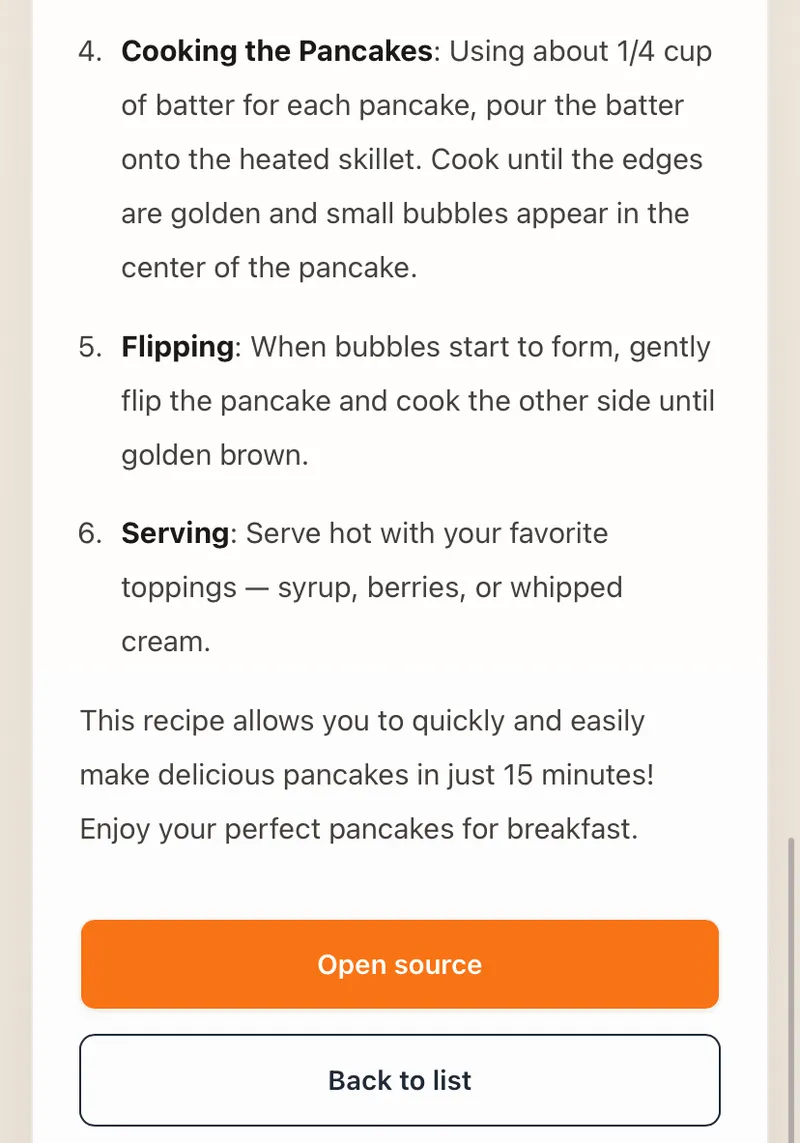
Instagram Reel recipe flow in Telegram
See how Link2Eat turns an Instagram Reel into a structured recipe in Telegram.
Reels problem
Instagram Reels are easy to save — and hard to cook from
Instagram saves a post, not necessarily the cooking logic. A Reel can look clear while the actual quantities, timing or creator note sits in a caption you have to reopen.
Link2Eat is useful when you want the dish separated from the visual feed and turned into something you can follow.
Reels flow
How to turn an Instagram Reel into a recipe
Open the Reel, copy its link from the share menu and send it to Link2Eat. Telegram becomes the place where the returned recipe lives.
- 1 Find the cooking Reel.
- 2 Copy the Reel link.
- 3 Send it to Link2Eat.
- 4 Use the Telegram recipe later.
Recipe details
Get ingredients, steps and useful details
Instagram recipes often split context between video, overlay text, caption and comments. Link2Eat focuses the result on ingredients, step-by-step cooking and important details when they are available.
If a Reel is private or restricted, processing depends on whether the service can access the video from the link.
Saved result
Keep your saved recipes organized in Telegram
Your saved Instagram tab can stay broad: restaurants, travel, creator posts and ideas. Recipes you want to cook can live in your Telegram cookbook instead.
One Reel, one finished recipe
Instagram Reel by @recipebylayla
The user sent the bot the Reel link, copied straight from Instagram: https://www.instagram.com/recipebylayla/reel/C_LYHf-uByQ/
Parmesan Ditalini in Chicken Broth
- 1 cup ditalini pasta (or another short pasta)
- 2 cups unsalted chicken broth or stock
- 1/4-1/2 cup grated Parmesan cheese (preferably fresh)
- 2-3 cloves of garlic
…and 2 more ingredients · 6 steps in the full recipe
See the full Parmesan Ditalini recipeInstagram specifics worth knowing
- The Reel must be public — accounts behind a login wall or set to private cannot be fetched.
- The bot reads the caption, voiceover, and text on screen — if none names the ingredients, results will be thin.
- Send the link to the Reel itself — profile links and stories will not work.
Recently extracted recipes
Real recipes extracted from cooking videos. Browse the full recipe collection.
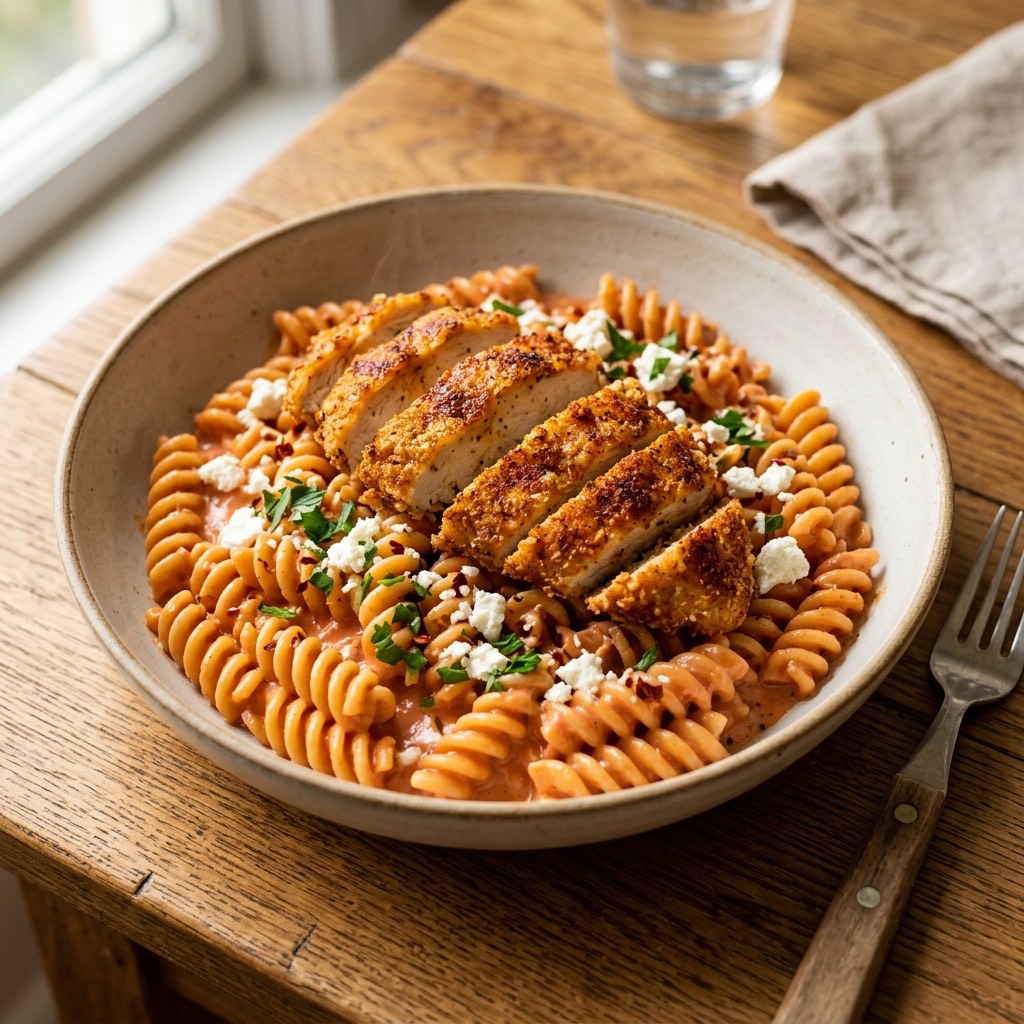
Chicken and Feta Pasta in Creamy Tomato Sauce
Crispy spiced chicken over pasta in a creamy tomato sauce finished with feta, extracted from a cooking video.
View recipe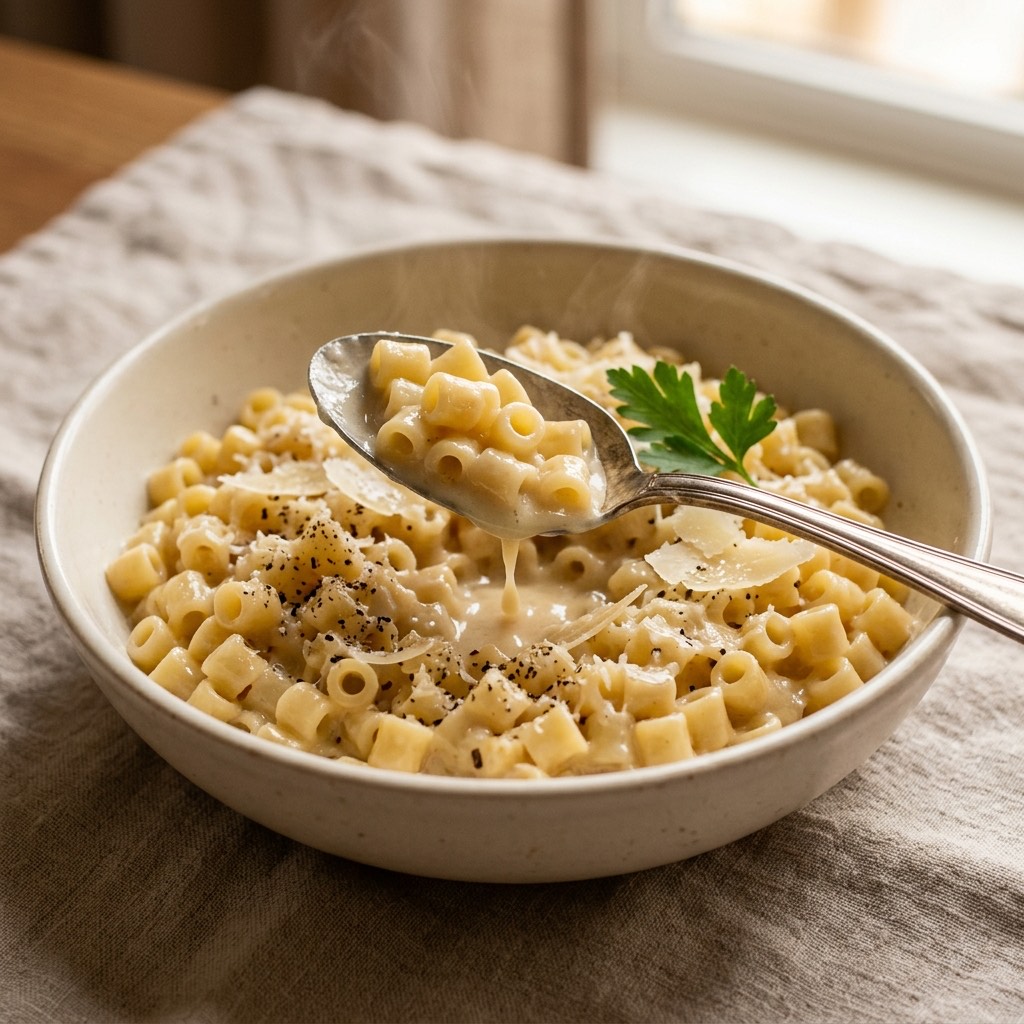
Parmesan Ditalini in Chicken Broth
A cozy one-pot ditalini toasted and simmered in chicken broth with Parmesan and cream, extracted from a cooking video.
View recipe
Stretchy Baked Mac and Cheese
A mozzarella-heavy baked mac and cheese with cheddar and a creamy sauce, extracted from Connor Caine's YouTube Short.
View recipe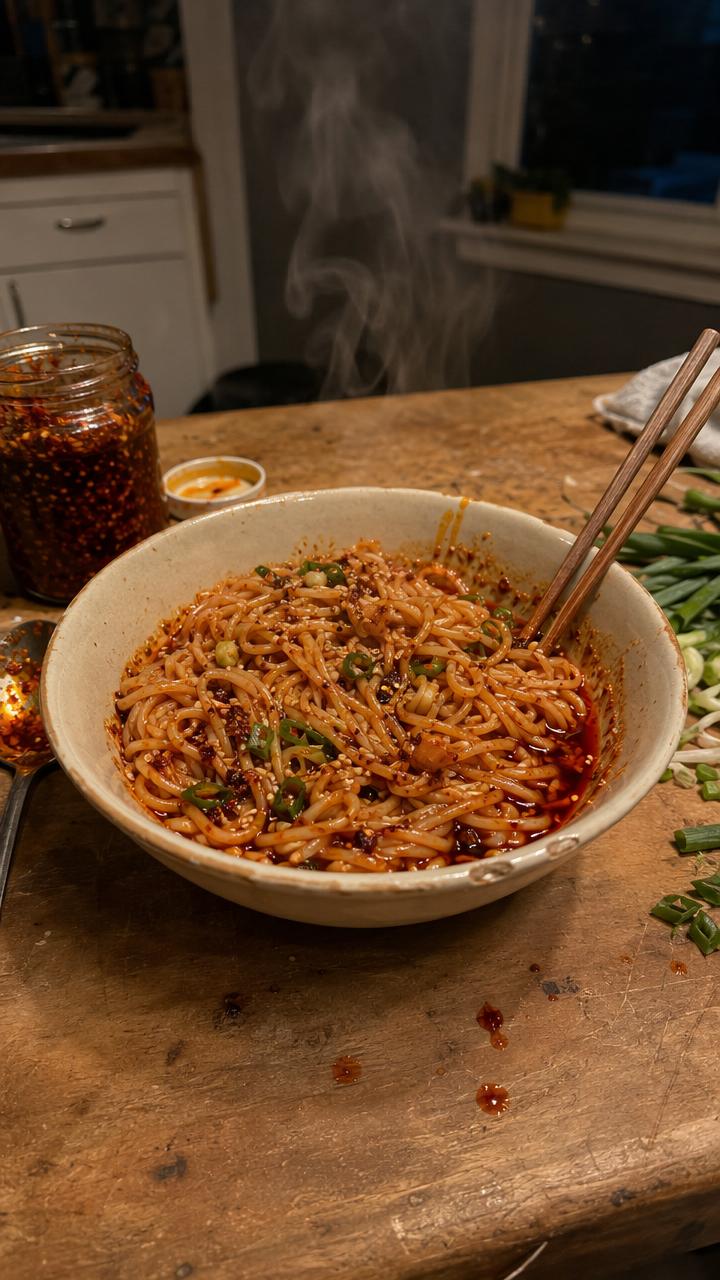
10-Minute Chili Oil Noodles
Quick chili oil noodles with garlic, shallot, cilantro, lime, soy and oyster sauce, extracted from Chef Tyler's YouTube Short.
View recipe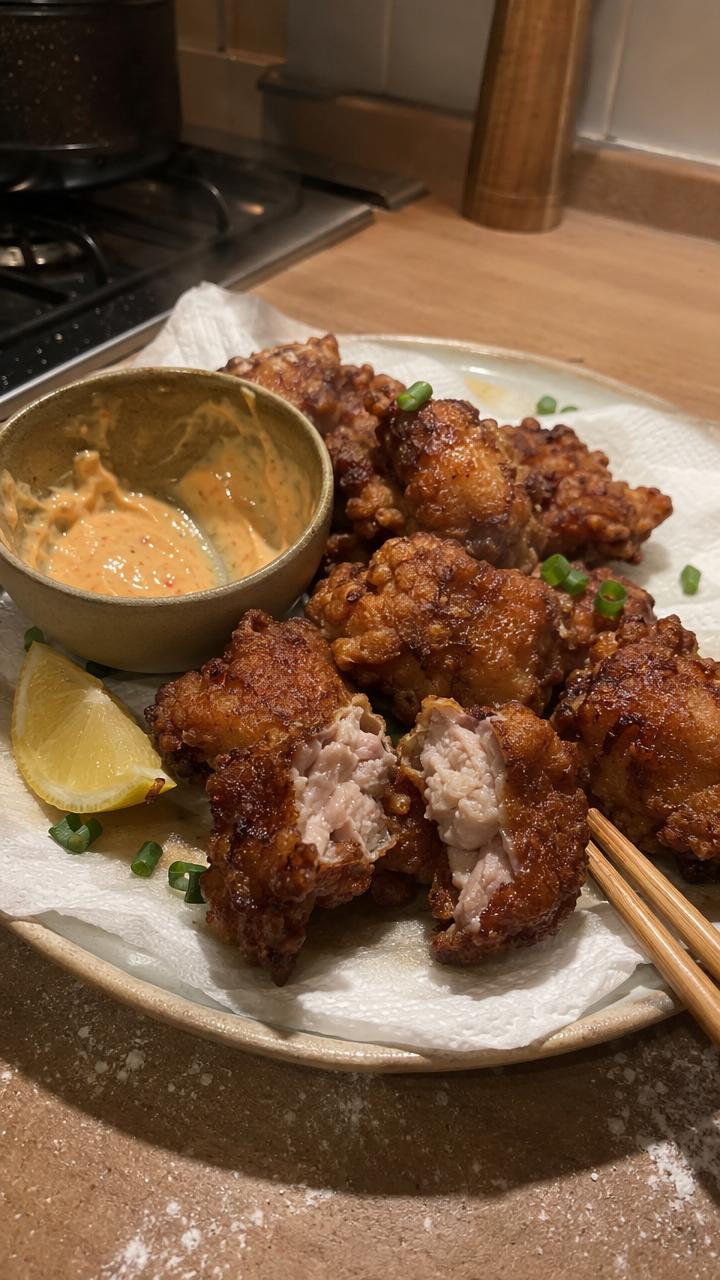
Japanese Chicken Karaage
Juicy marinated chicken thighs with a flour-and-cornstarch coating and two-stage fry, extracted from The Crystal Cookbook.
View recipe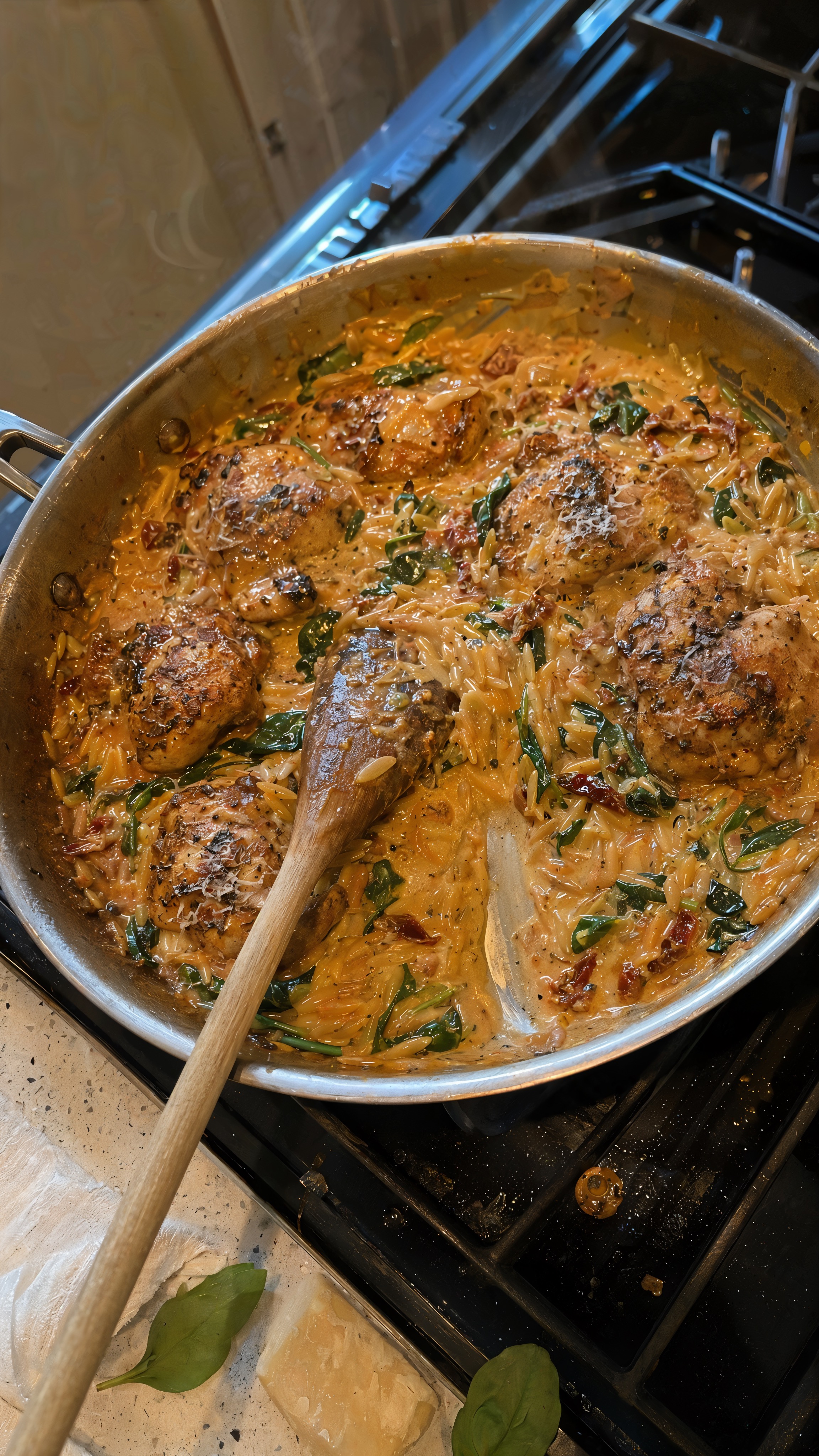
One-Pan Marry Me Chicken Orzo
A creamy one-pan chicken orzo with sun-dried tomatoes, spinach, and Parmesan, extracted from KALEJUNKIE's YouTube Short.
View recipeFrequently asked questions
Practical answers before you send your first cooking video link.
How do I copy the link to an Instagram Reel?
+
Open the Reel, use the share menu and choose copy link. Then send it to Link2Eat.
Does Link2Eat work with private Reels?
+
Processing depends on whether the service can access the Reel from the link. Private or restricted content may not be available.
Can I save the result for later?
+
Yes. The converted recipe is saved in Telegram.
Do I need an additional app?
+
No. Link2Eat works in Telegram.
Save the next useful cooking video as a recipe
Send a link to Link2Eat in Telegram and keep the returned recipe in your personal cookbook.
Free to try · no signup · works inside Telegram
Free to try · no signup · works inside Telegram