
Recipe converter for Telegram
Save recipes from social media in one place
Send a cooking video link from a supported platform to Link2Eat in Telegram and keep the useful recipe parts together: ingredients, cooking steps and helpful details.
Free to try · no signup · works inside Telegram
A practical place for recipes from social media
The workflow stays inside Telegram: send the link, review the recipe and keep it in your personal cookbook.
Problem
Saved cooking videos are easy to lose
Social feeds are good at discovery, but saved videos quickly become a long list of clips. When you are ready to cook, the ingredient amounts, timing cues and important details can be hard to find again.
Conversion
Turn social media discoveries into practical recipes
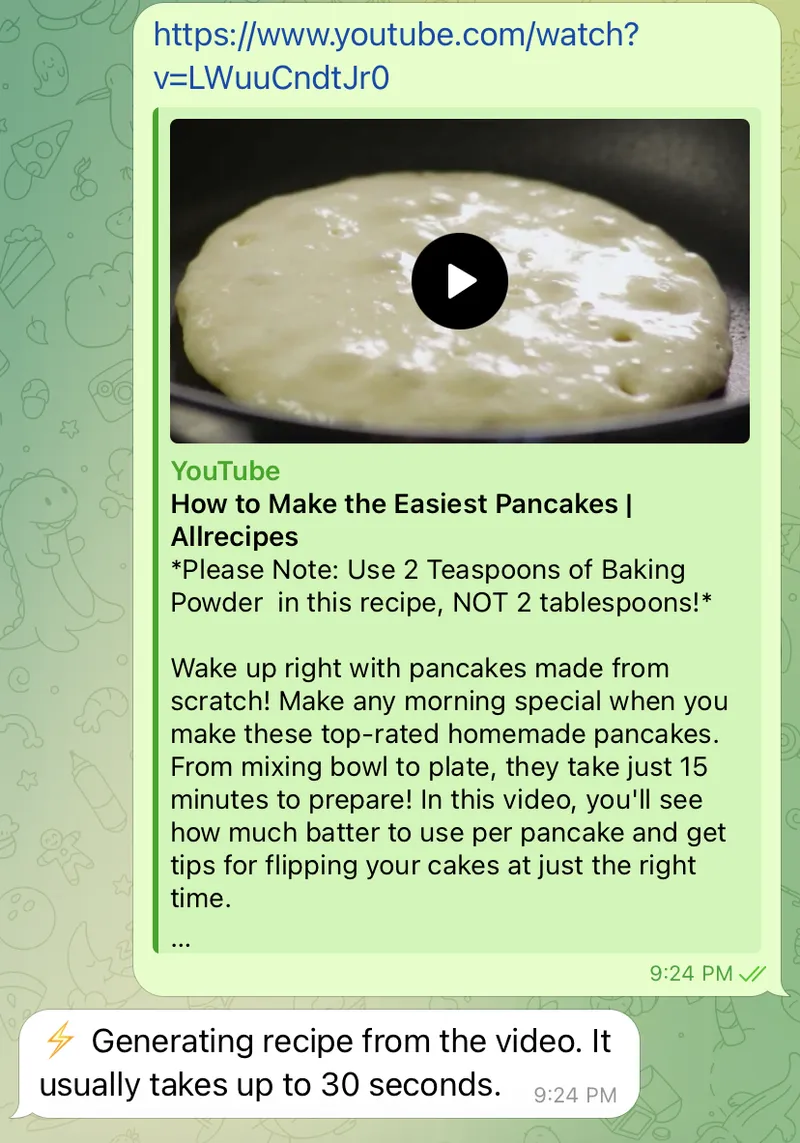
Copy the cooking video link and send it to Link2Eat in Telegram. When the source is accessible and contains enough recipe information, Link2Eat returns a structured recipe you can cook from.
- 1 Copy a supported cooking video link.
- 2 Send it to Link2Eat in Telegram.
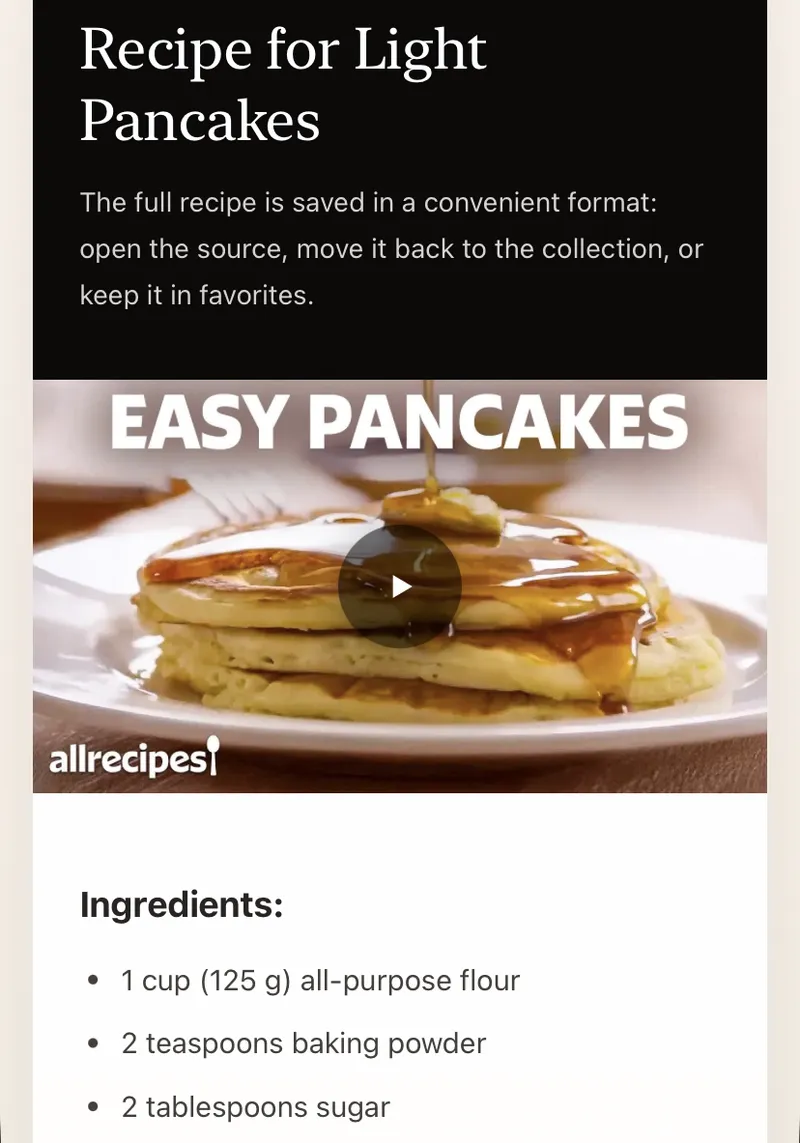
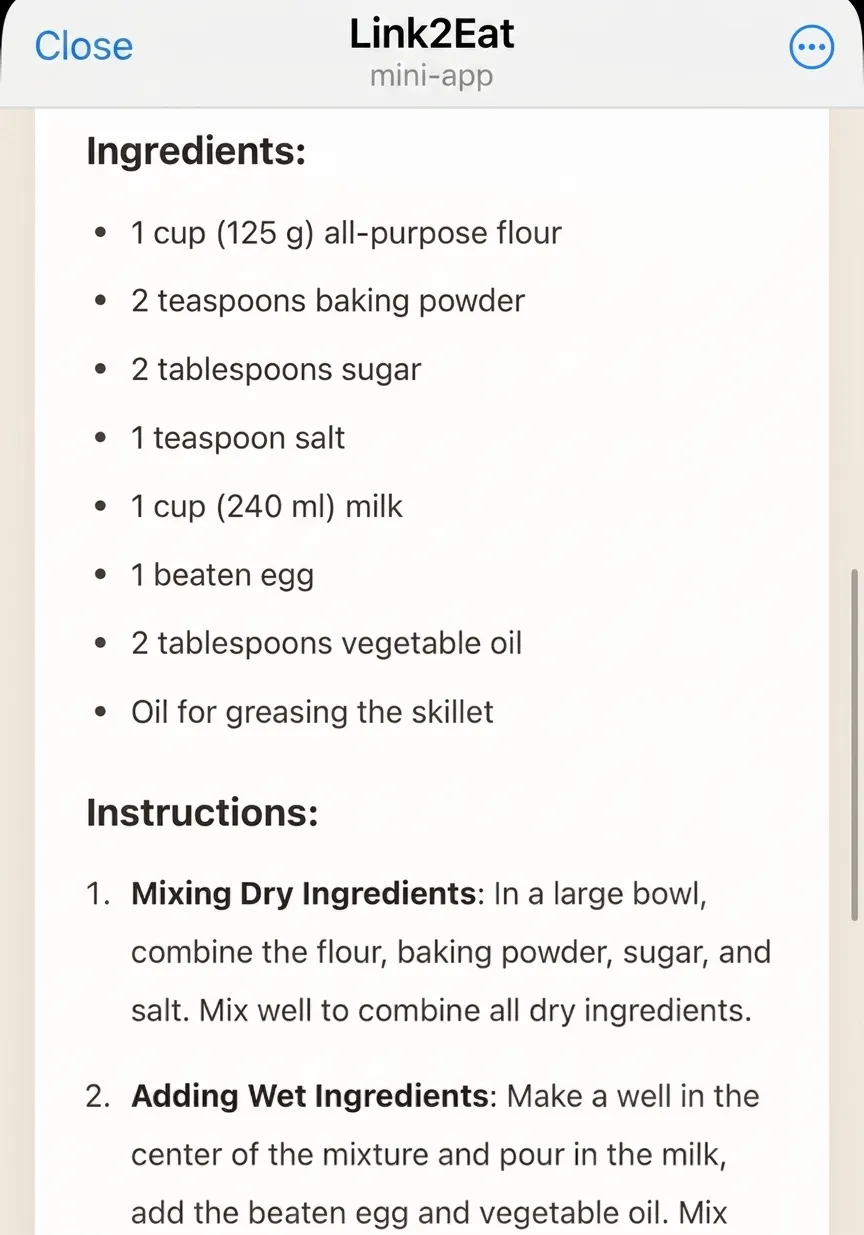
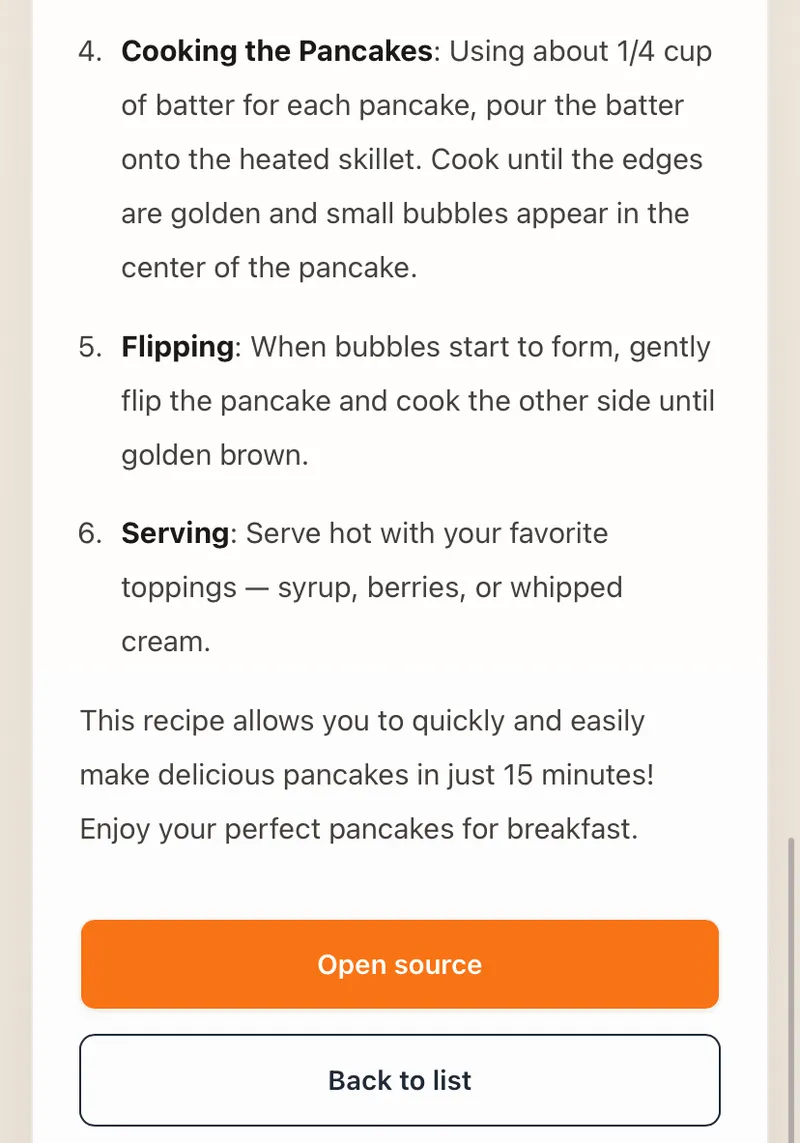
- 3 Review the structured recipe.
- 4 Keep it in your Telegram cookbook.
Recipe details
Keep ingredients, steps and useful details together
A cooking video may split information between the video, voiceover and caption. Link2Eat focuses on the useful recipe parts: ingredients, step-by-step preparation and tips or important details when they are available.
Cookbook
Build your personal cookbook in Telegram
Converted recipes are saved in your personal cookbook inside Telegram. That makes the recipe easier to return to than another saved clip in a social app.
Platforms
Save recipes from the platforms you already use
Link2Eat supports recipe links from TikTok, Instagram, YouTube, VK and Telegram. You can also choose a dedicated converter page for the source where you found the recipe.
Recently extracted recipes
Real recipes extracted from cooking videos. Browse the full recipe collection.
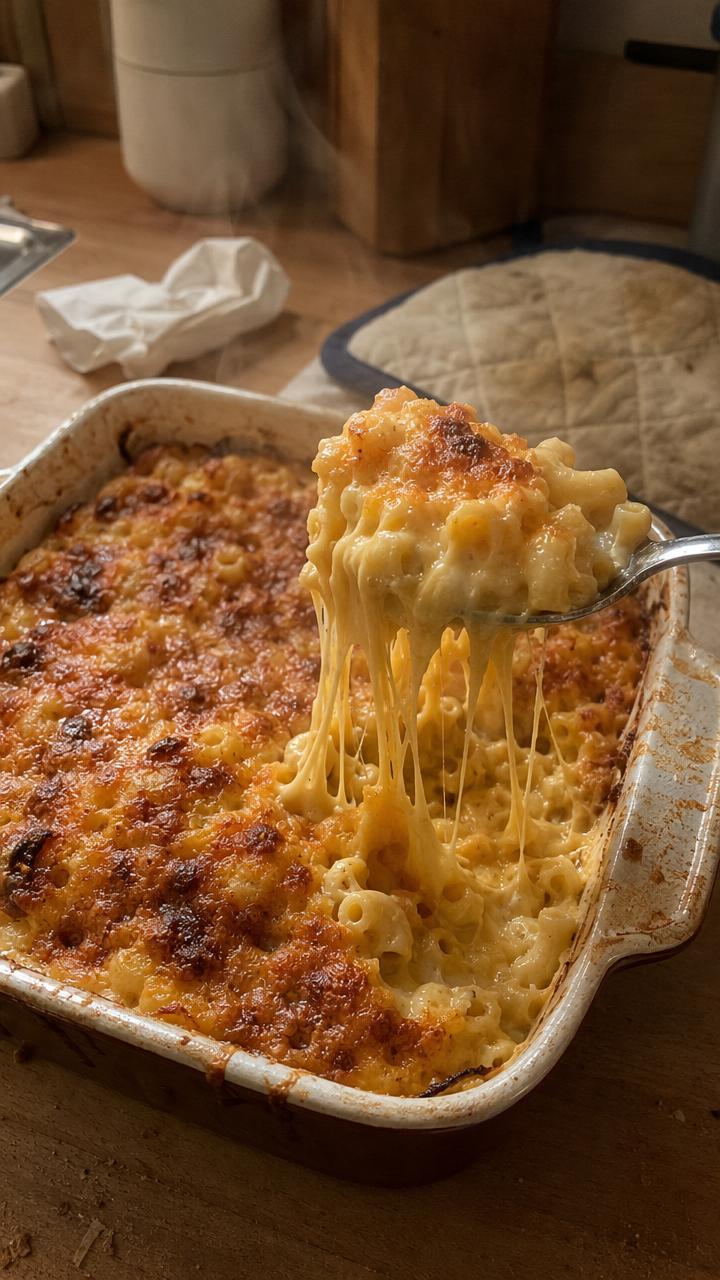
Stretchy Baked Mac and Cheese
A mozzarella-heavy baked mac and cheese with cheddar and a creamy sauce, extracted from Connor Caine's YouTube Short.
View recipe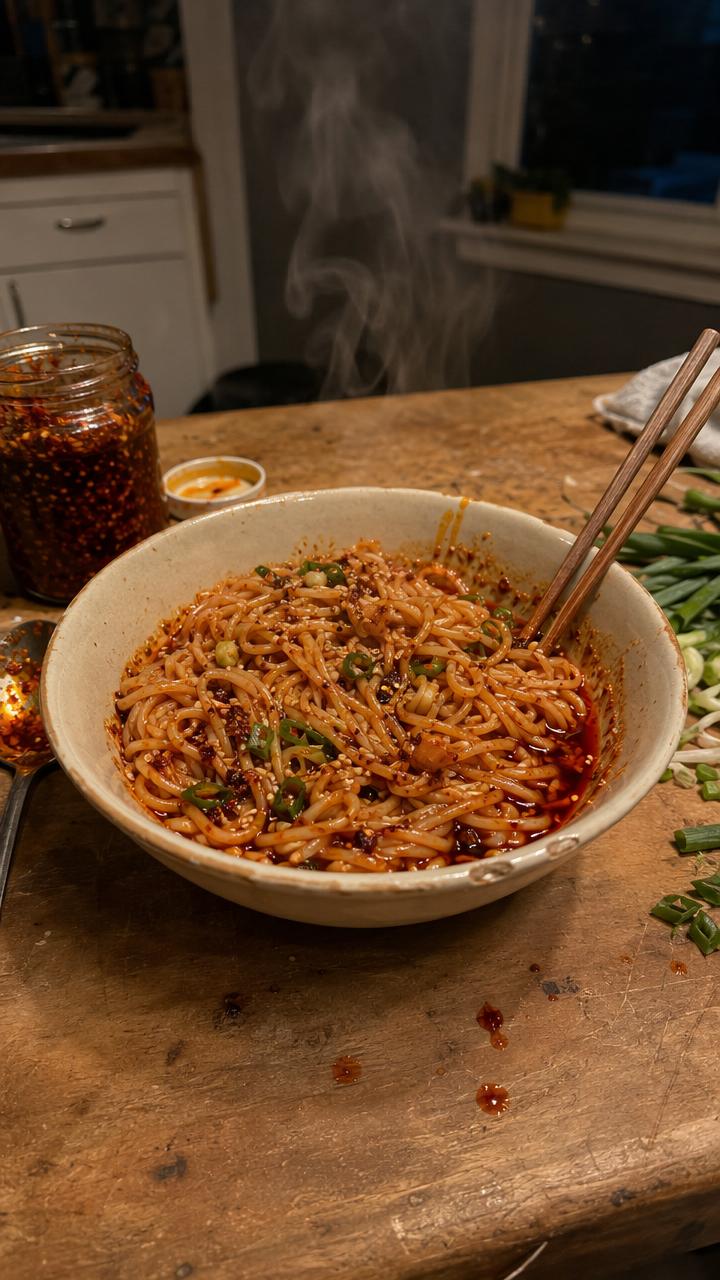
10-Minute Chili Oil Noodles
Quick chili oil noodles with garlic, shallot, cilantro, lime, soy and oyster sauce, extracted from Chef Tyler's YouTube Short.
View recipe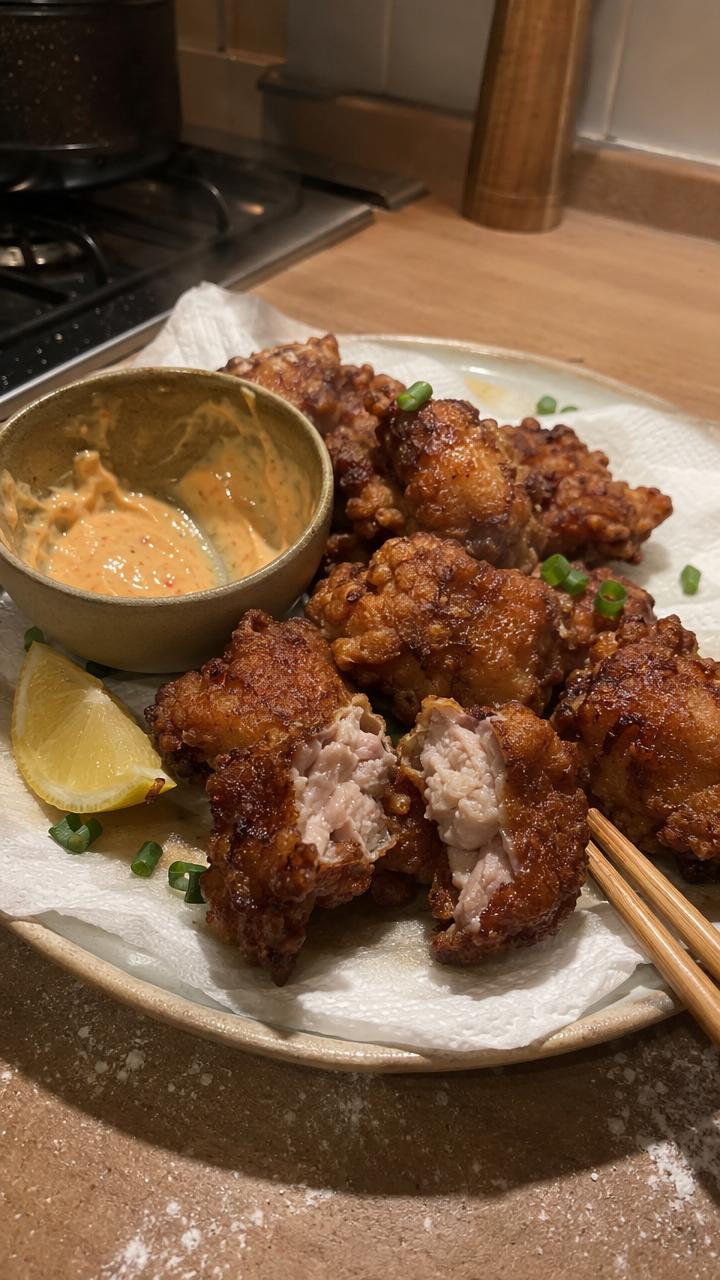
Japanese Chicken Karaage
Juicy marinated chicken thighs with a flour-and-cornstarch coating and two-stage fry, extracted from The Crystal Cookbook.
View recipe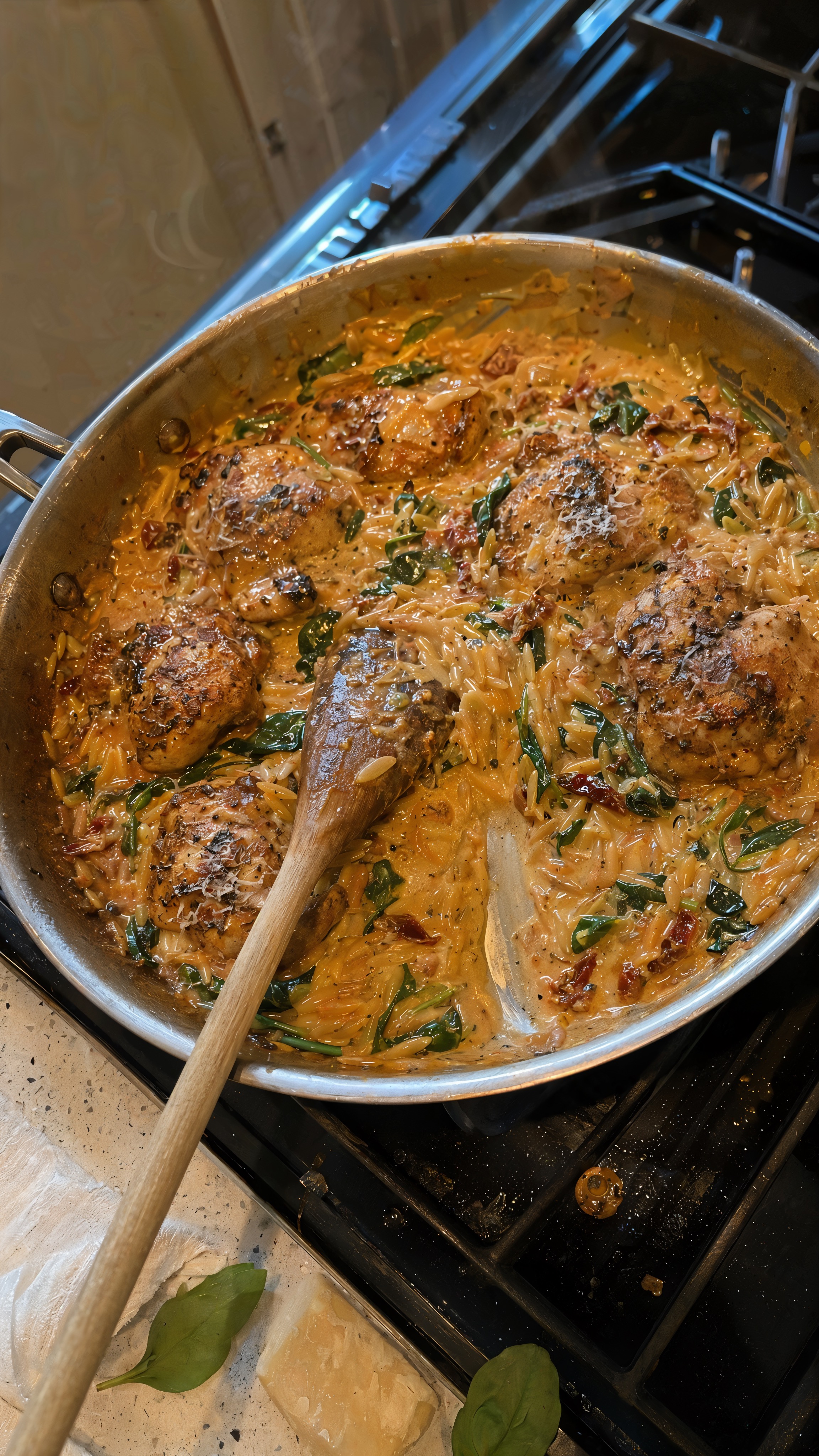
One-Pan Marry Me Chicken Orzo
A creamy one-pan chicken orzo with sun-dried tomatoes, spinach, and Parmesan, extracted from KALEJUNKIE's YouTube Short.
View recipe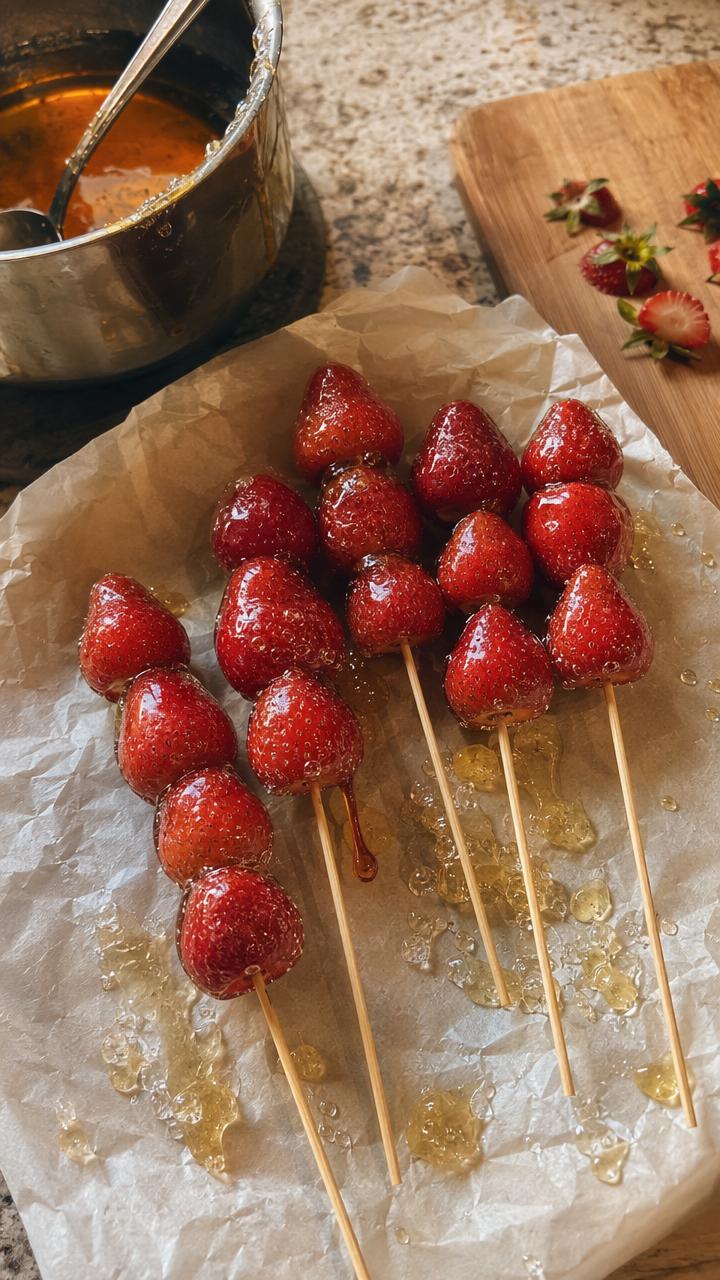
Strawberry Tanghulu
Fresh strawberries in a crisp glass-like sugar shell, extracted from Simply Home Cooked's YouTube Short.
View recipe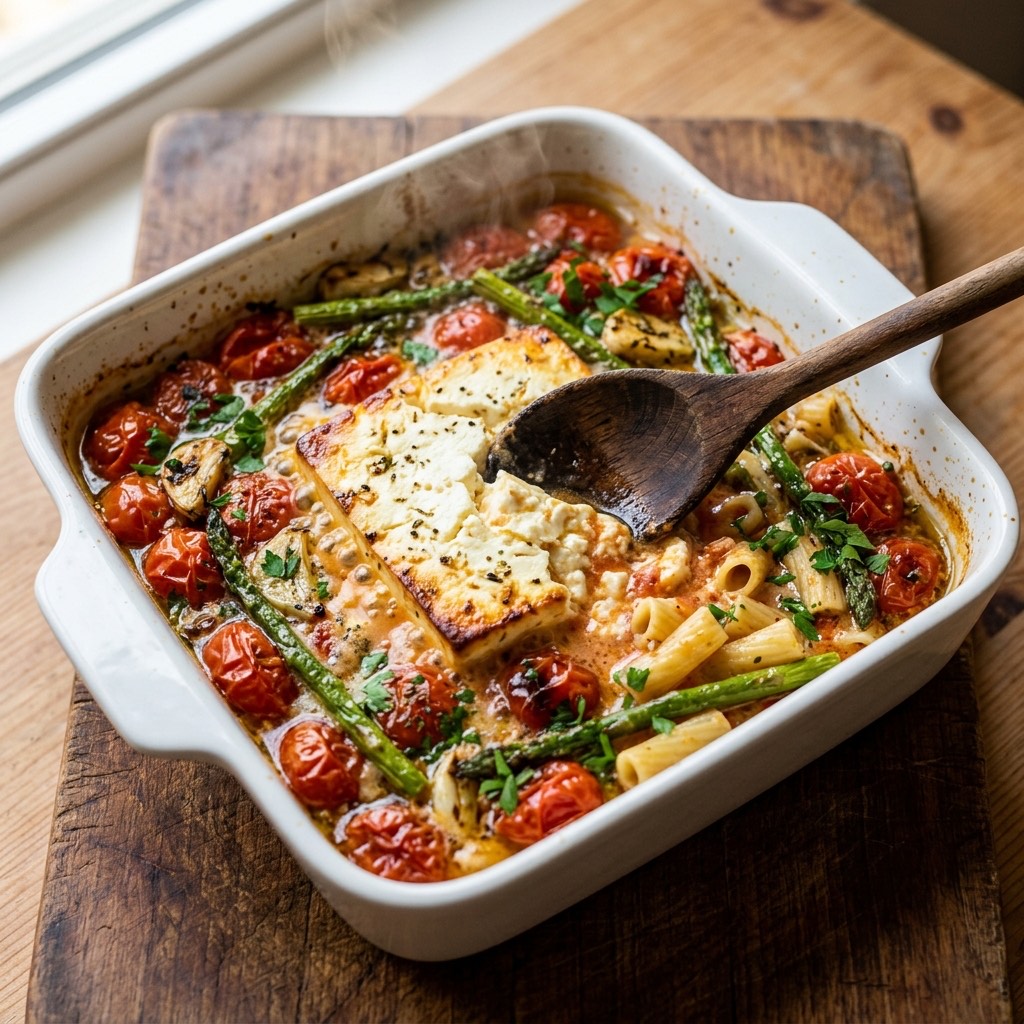
Baked Feta Pasta
The viral baked feta pasta with roasted tomatoes and asparagus, extracted from a cooking video and tossed into a creamy sauce.
View recipeFrequently asked questions
Practical answers before you send your first cooking video link.
Can I save recipes from TikTok and Instagram?
+
Yes. Link2Eat supports cooking video links from TikTok and Instagram, along with YouTube, VK and Telegram.
What does Link2Eat save from a video?
+
The recipe can include ingredients, step-by-step cooking instructions and useful tips or important details when they are available from the source.
Will every social media link work?
+
No. Processing depends on whether the link is accessible and contains enough recipe information. Private or restricted links may not be available to process.
Where are my saved recipes stored?
+
They are saved in your personal cookbook inside Telegram.
Save the next useful cooking video as a recipe
Send a link to Link2Eat in Telegram and keep the returned recipe in your personal cookbook.
Free to try · no signup · works inside Telegram
Free to try · no signup · works inside Telegram