
Recipe converter for Telegram
Choose a workflow for the video you found
Start with the source of your cooking video. Each guide explains which public links to send, where recipe details may appear and what can prevent a useful result.
Free to try · no signup · works inside Telegram
Workflow comparison
Match the guide to the link you already have
The four pages lead to the same Link2Eat product, but each one answers a different source-specific question before you leave the site.
| Workflow | Public link to start with | Where recipe details may appear | Watch for | Best when |
|---|---|---|---|---|
| General cooking-video workflow Use the broad guide when no specialist source applies. | A public cooking-video link from a supported source | Caption, spoken instructions or on-screen text | Private links and videos with too little recipe detail | The source is different or you are not sure which guide fits |
| Instagram Reel workflow Check Reel and post access limits before sending the link. | A public Reel or post share link accessible without login | Caption, voiceover and on-screen instructions | Private accounts, login-only posts or unavailable media | The cooking video came from Instagram |
| TikTok cooking-video workflow Use the TikTok guide for its share links and availability limits. | A public TikTok share link that resolves without login | Caption, voiceover and text overlays | Removed, private, region-limited or unavailable videos | The recipe was discovered in a TikTok feed |
| YouTube Shorts workflow Use the Shorts guide for short-form YouTube links. | A public /shorts/ or watch URL | Description, spoken instructions, transcript or on-screen text | Shorts with no usable quantities or cooking steps | The video is a YouTube Short |
Already know the link is public and usable?
You can skip the source guide and send the link directly. Link2Eat still needs an accessible video with enough recipe information.
Choice
Use the general workflow when the source is different
If the link is not from TikTok, Instagram Reels or YouTube Shorts, begin with the general cooking-video guide. It explains the shared public-link requirements without assuming one platform.
Flow
Why the source-specific guides are separate
The Telegram action is shared, but the useful preparation is not. Reels, TikTok clips and Shorts expose captions, spoken instructions, on-screen text and access restrictions differently, so each guide documents its own link formats and failure cases.
Output
What every source still needs
The video must be publicly accessible and contain enough usable recipe information. A private, removed or login-restricted link cannot be rescued by choosing another workflow, and a visual-only clip may not contain quantities or complete steps.
Reason
What happens after you choose
Open the matching guide, check its support notes, then send the public video link to Link2Eat in Telegram. When the source contains enough detail, the returned recipe can include ingredients, cooking steps and useful notes.
Recently extracted recipes
Real recipes extracted from cooking videos. Browse the full recipe collection.

Stretchy Baked Mac and Cheese
A mozzarella-heavy baked mac and cheese with cheddar and a creamy sauce, extracted from Connor Caine's YouTube Short.
View recipe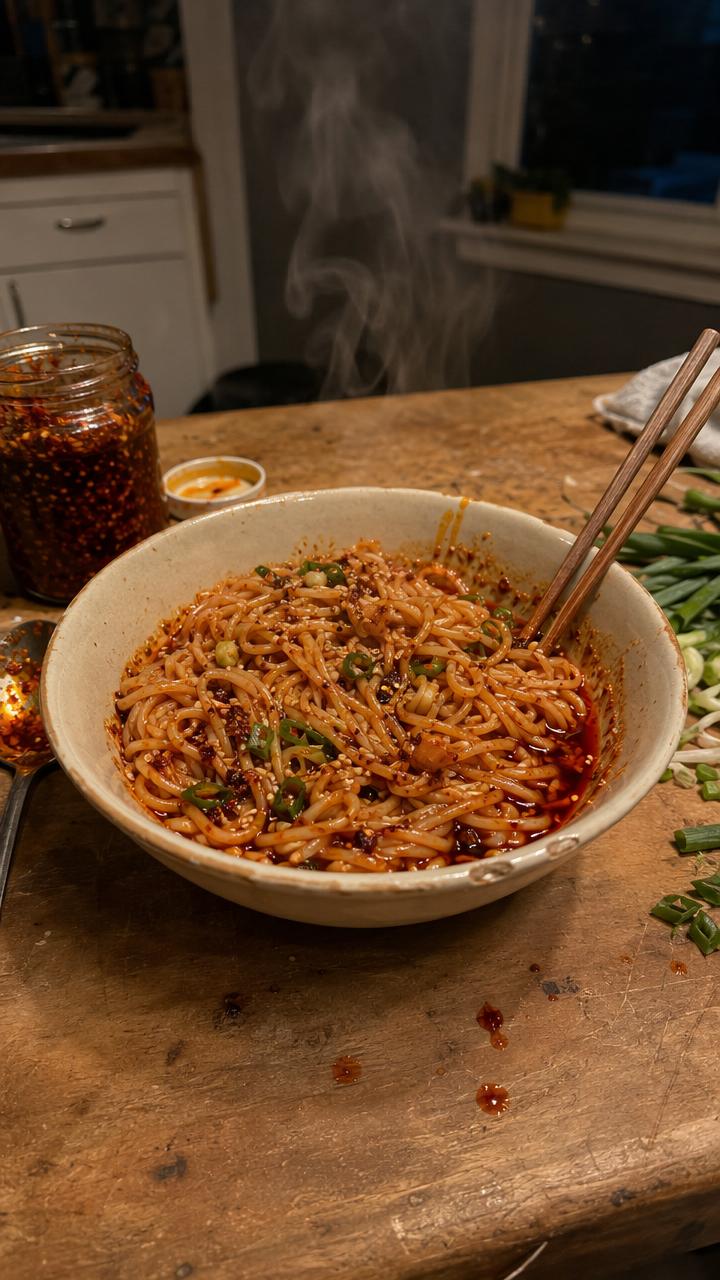
10-Minute Chili Oil Noodles
Quick chili oil noodles with garlic, shallot, cilantro, lime, soy and oyster sauce, extracted from Chef Tyler's YouTube Short.
View recipe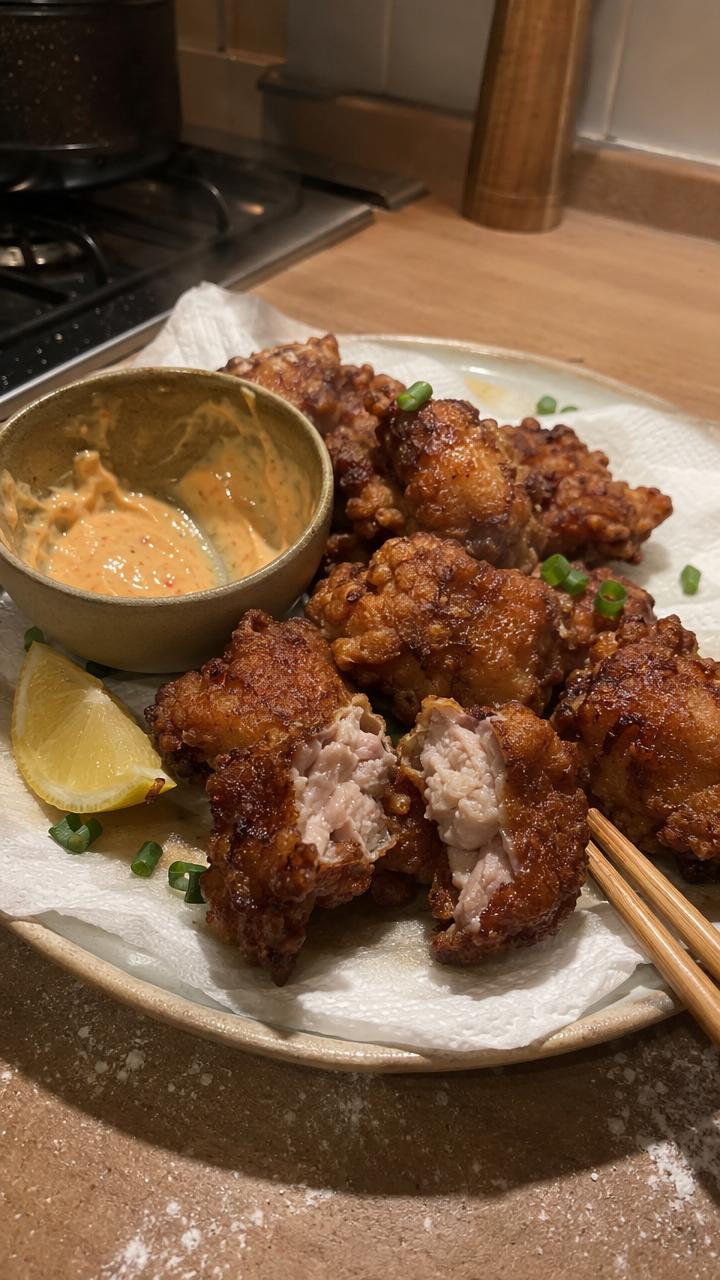
Japanese Chicken Karaage
Juicy marinated chicken thighs with a flour-and-cornstarch coating and two-stage fry, extracted from The Crystal Cookbook.
View recipe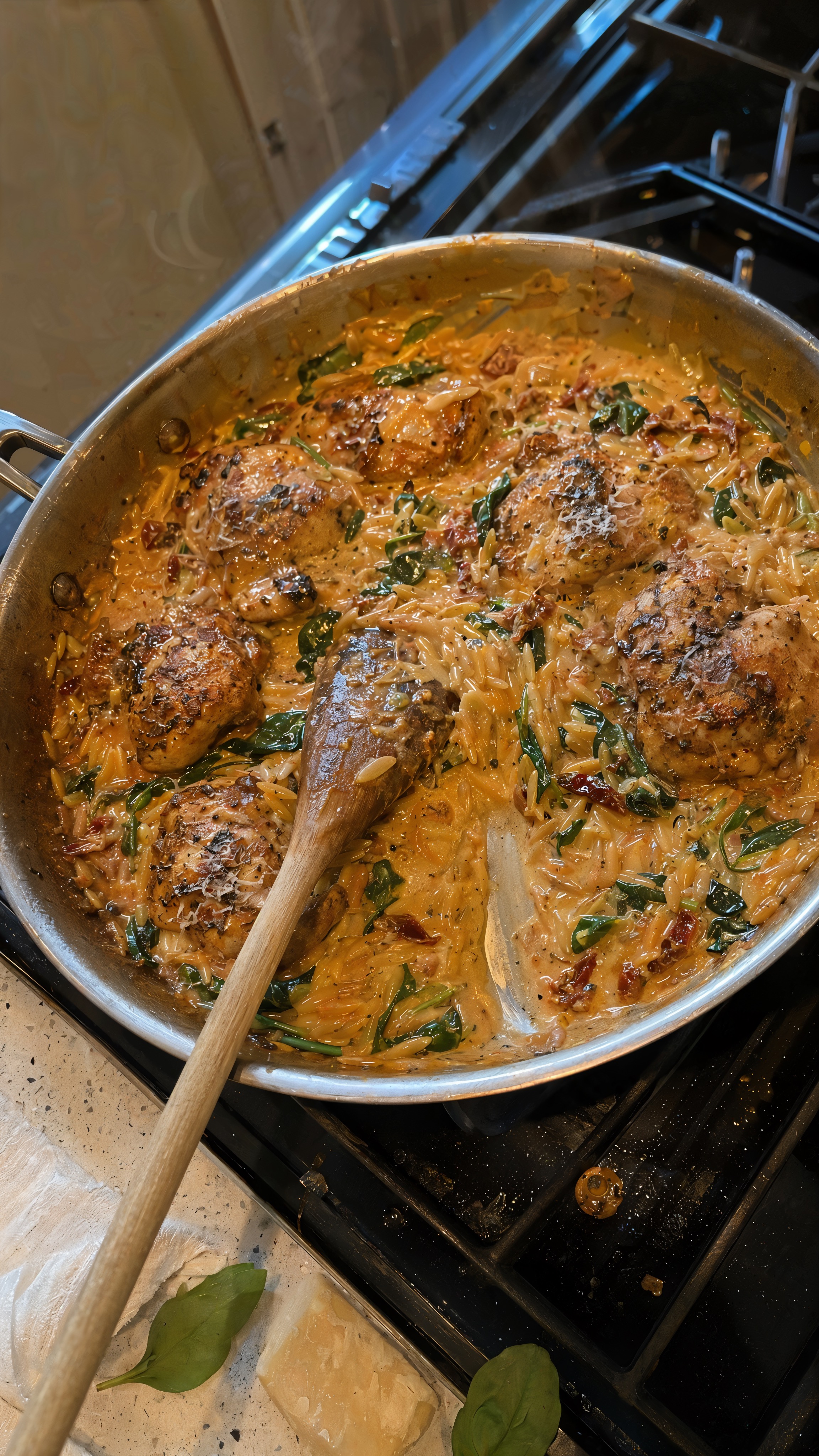
One-Pan Marry Me Chicken Orzo
A creamy one-pan chicken orzo with sun-dried tomatoes, spinach, and Parmesan, extracted from KALEJUNKIE's YouTube Short.
View recipe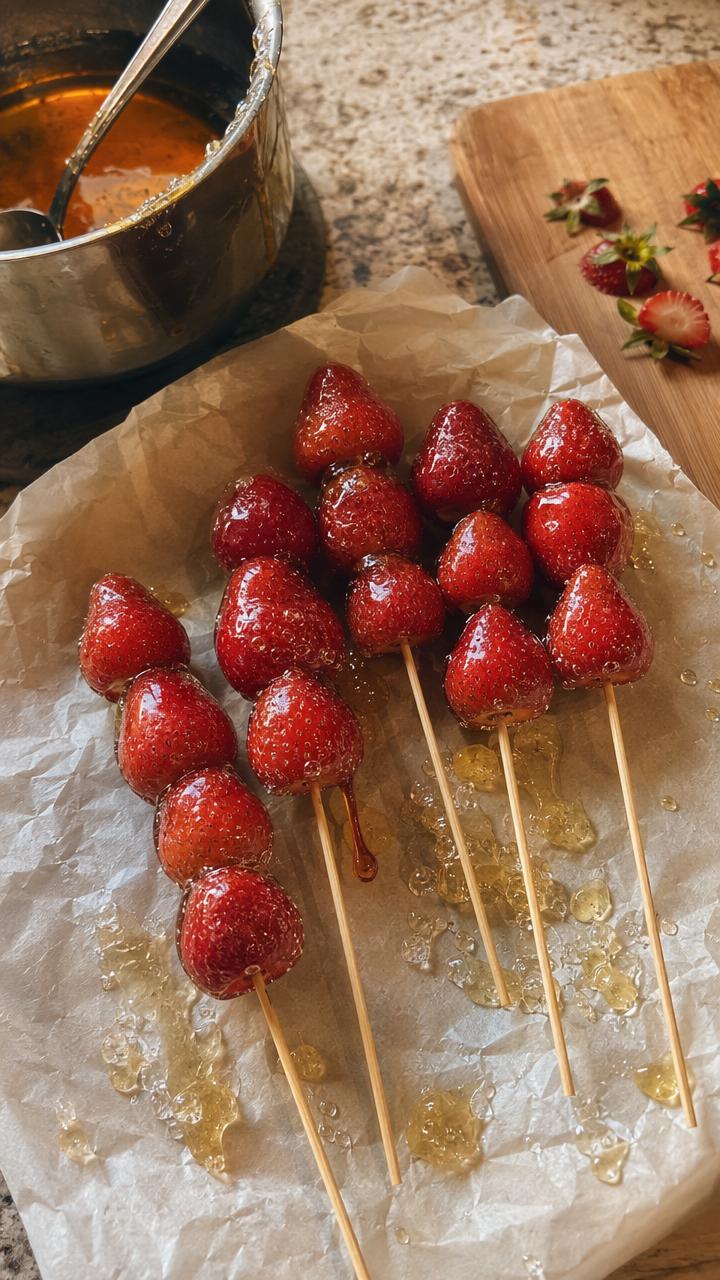
Strawberry Tanghulu
Fresh strawberries in a crisp glass-like sugar shell, extracted from Simply Home Cooked's YouTube Short.
View recipe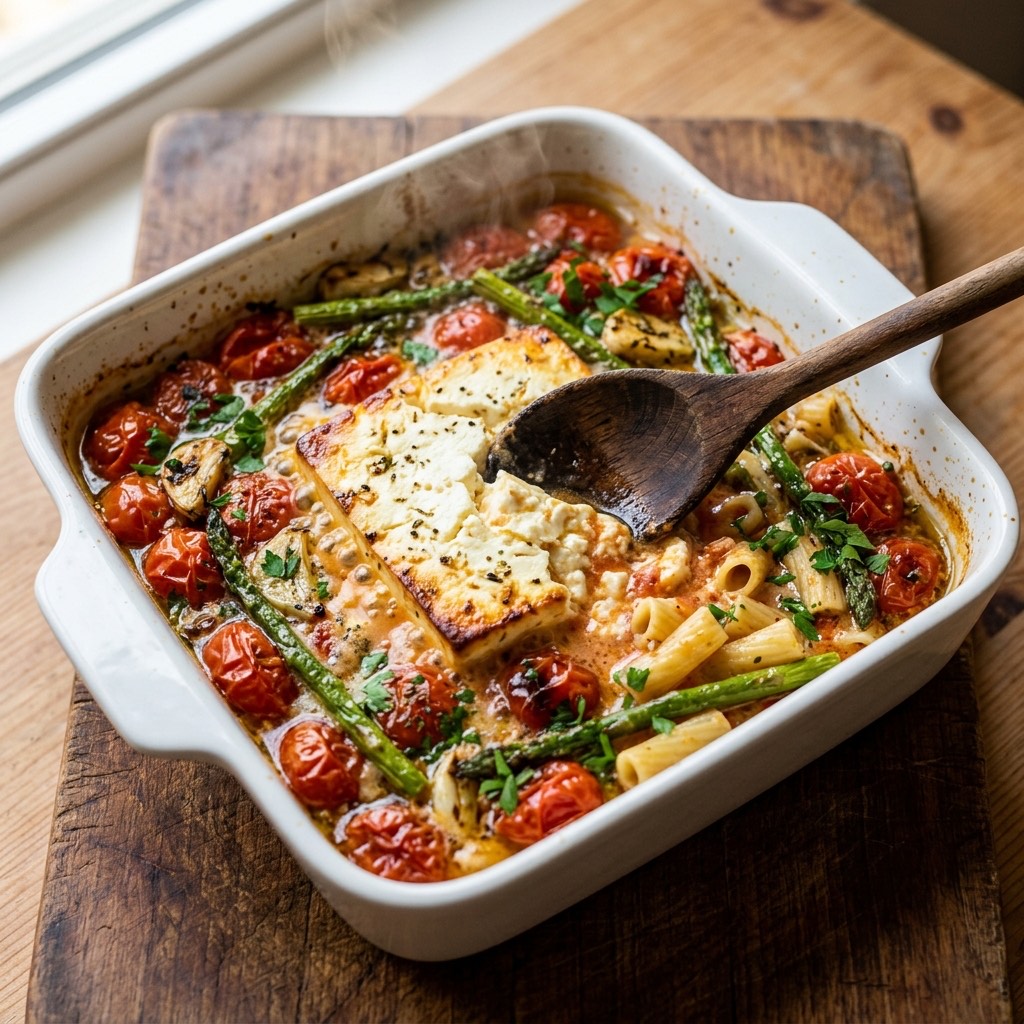
Baked Feta Pasta
The viral baked feta pasta with roasted tomatoes and asparagus, extracted from a cooking video and tossed into a creamy sauce.
View recipeFrequently asked questions
Practical answers before you send your first cooking video link.
Which workflow should I choose if I am not sure?
+
Choose the guide that matches the source shown in the link. If it is not TikTok, Instagram or YouTube, or the source is unclear, start with the general cooking-video workflow.
Do the four workflows use different Link2Eat bots?
+
No. They are source-specific guides for the same Link2Eat Telegram product. The separate pages explain different link formats, recipe signals and access limitations.
Can choosing another workflow fix a private video?
+
No. A private, removed, login-restricted or otherwise unavailable video may not be processable regardless of which guide you open.
Can I use the general workflow for every supported source?
+
You can start there, but the Instagram, TikTok and YouTube Shorts guides are more useful when you need source-specific link examples, limitations and troubleshooting context.
Free to try · no signup · works inside Telegram