
iPhone app · Telegram bot on any device
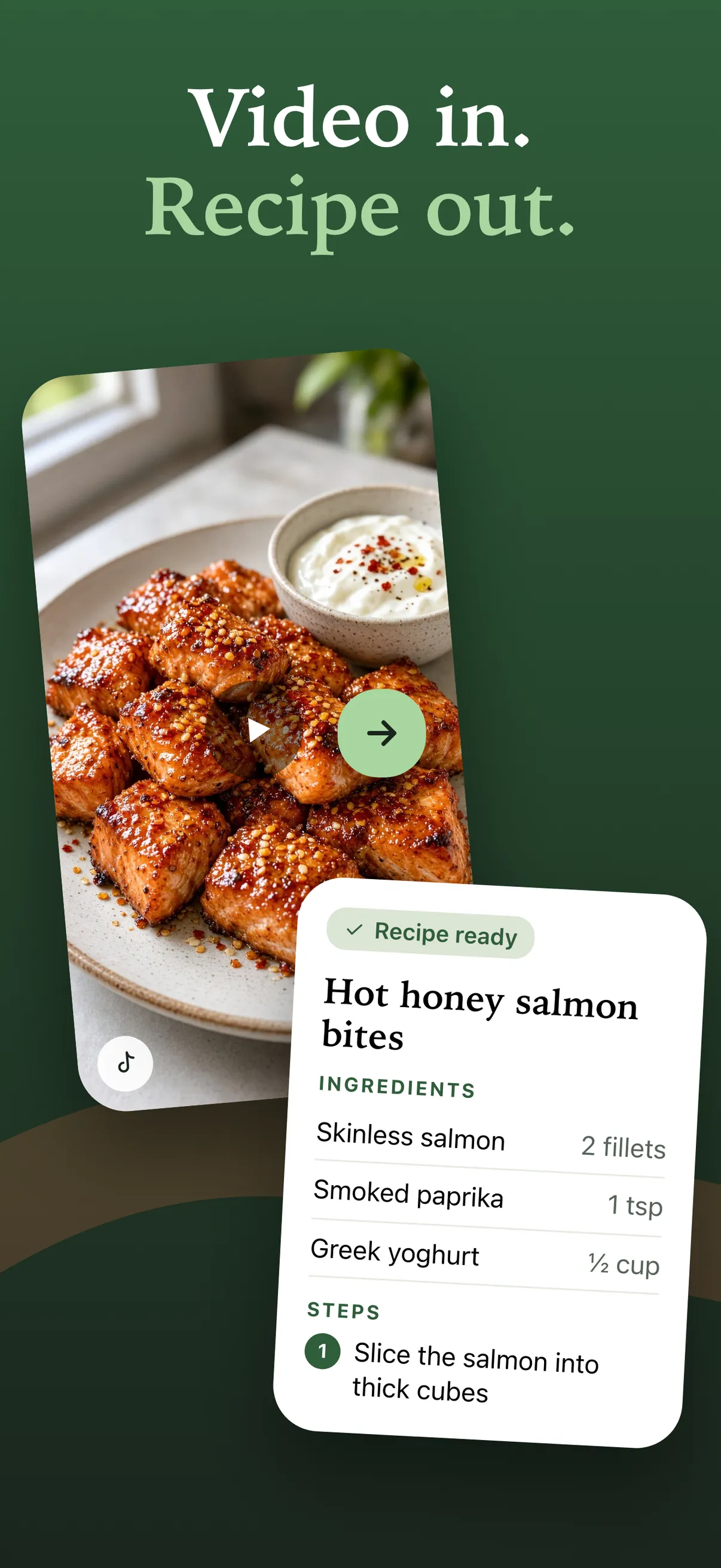
Turn any cooking video into a recipe
Share a TikTok, Reel or YouTube Short — get ingredients with amounts, steps and calories in about a minute.
30 days free · 5 recipes · No card required
Android app coming soon — use Telegram for now
- Works with
- TikTok
- YouTube
Real recording, no edits
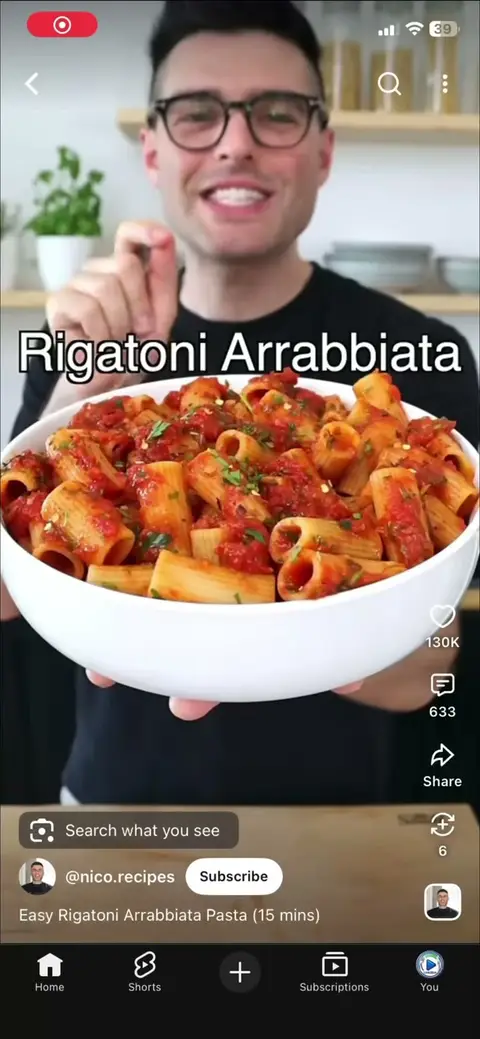
Watch one video become a recipe
A YouTube cooking video shared to Link2Eat in Telegram, and the recipe card that comes back.
- Ingredients with amounts
- Steps in the right order
- Saved to your cookbook
How it works
- Share 01
Send the video to Link2Eat
Tap Share in TikTok, Instagram or YouTube and pick Link2Eat — or paste the link into the Telegram bot.
- ~1 min 02
Get the recipe
Link2Eat watches the video for you and writes down every ingredient with its amount, the steps and the calories.
- Cook 03
Shop and cook from one card
Check the list at the store, then follow the steps in the kitchen. No pausing, no rewinding.
Need the details for your platform? How to turn a cooking video into a recipe How to save a recipe from TikTok
Real recipes from real videos
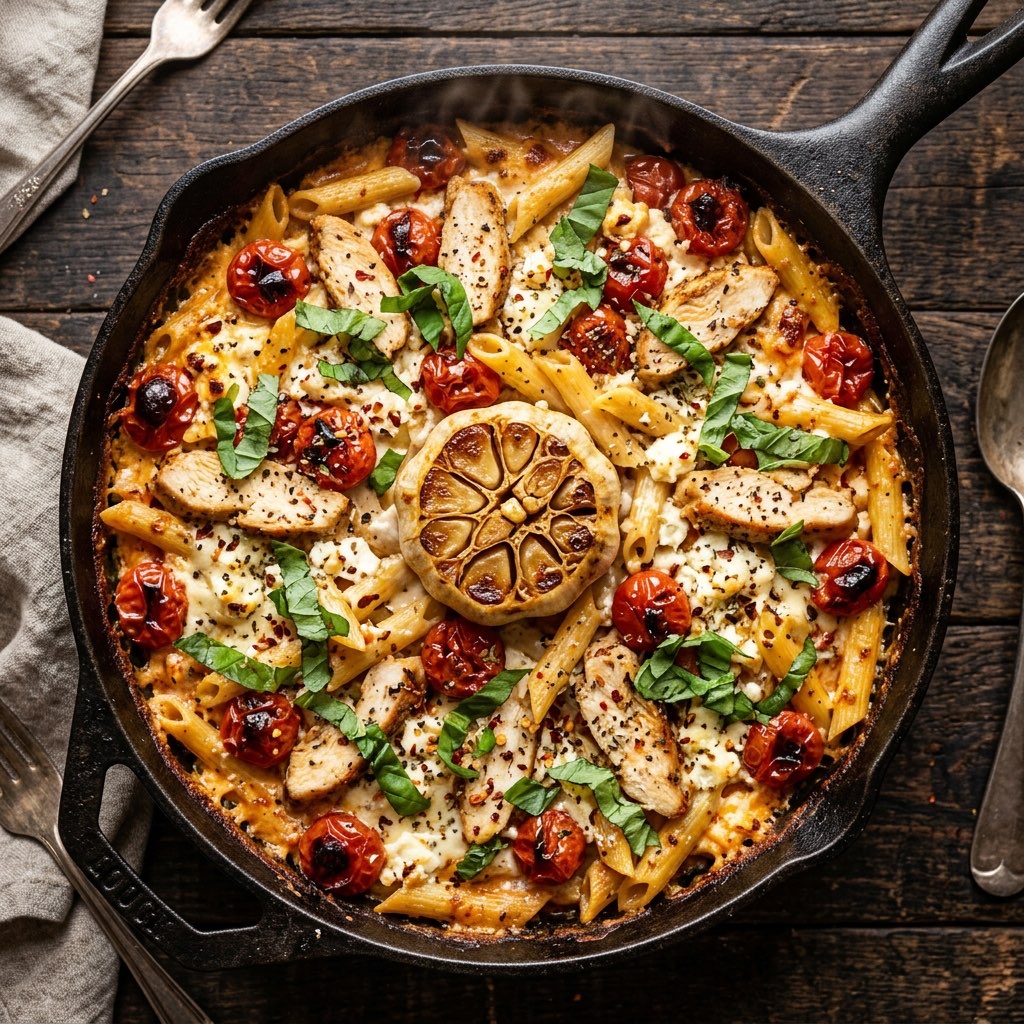
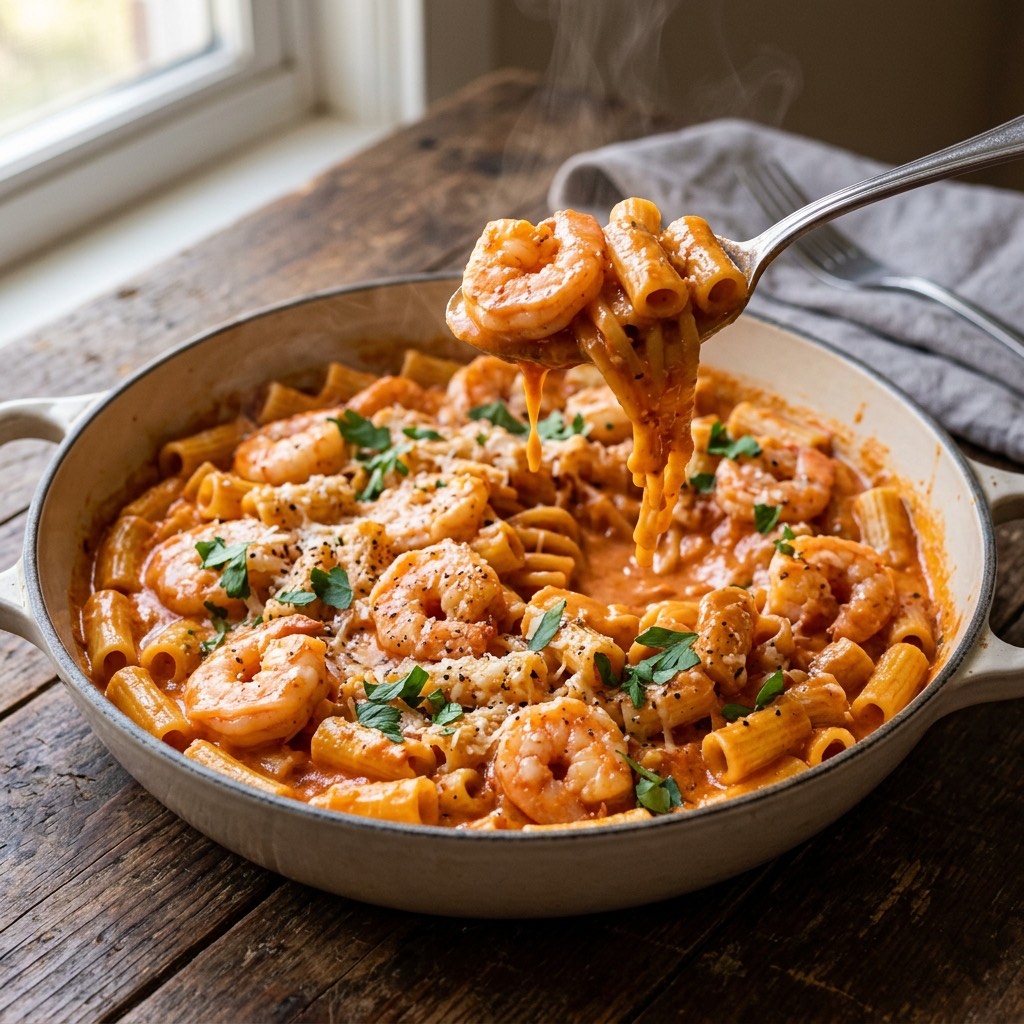
Each of these started as a short cooking video. Open one to see what Link2Eat makes of it.

More than a list of ingredients
-
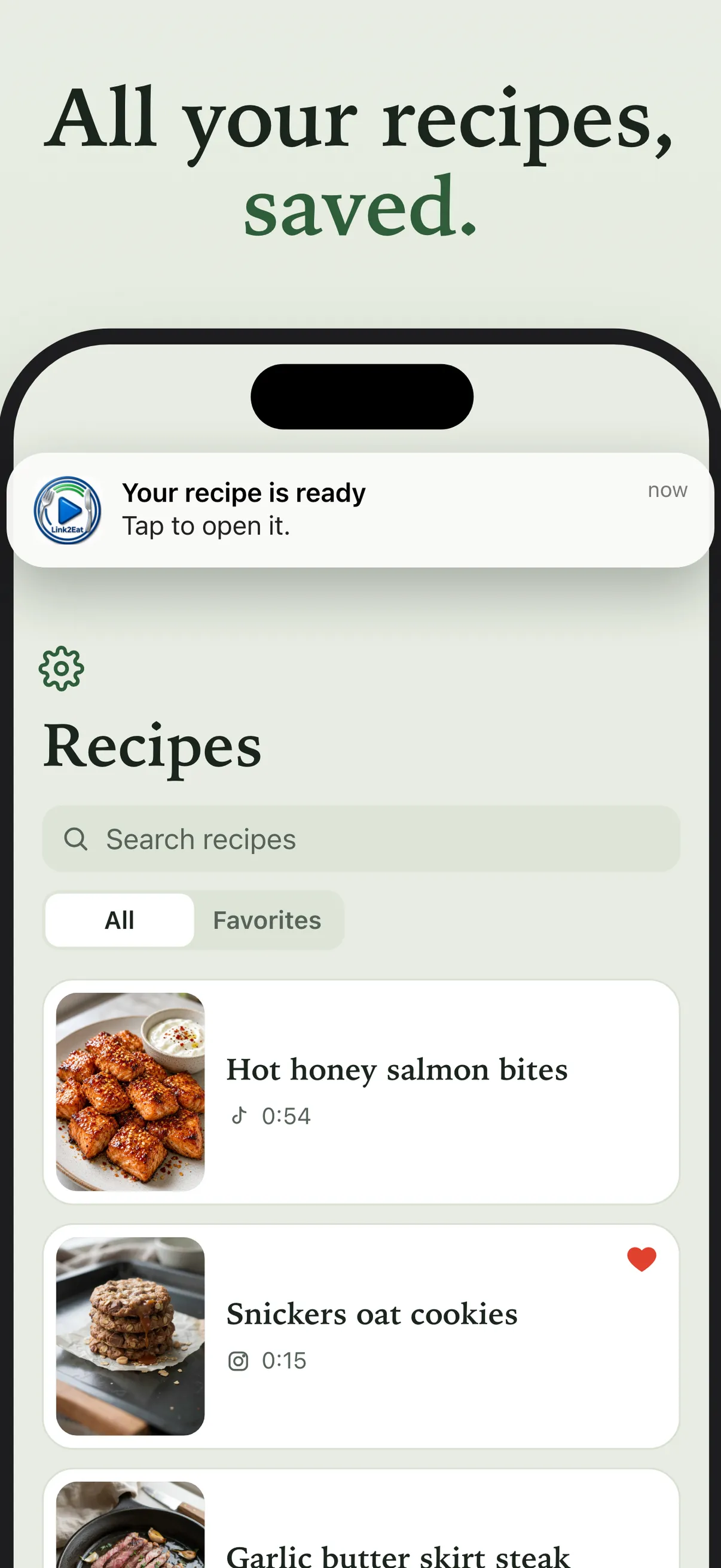
One cookbook for every video
Recipes from TikTok, Instagram and YouTube land in one place. Search them, mark favorites and open the original video whenever you need it.
How the personal recipe book works -
Estimated, per serving
676 kcal
- Protein 26 g
- Fat 40 g
- Carbohydrates 53 g
Example: Stretchy Baked Mac and Cheese
Calories and macros per serving
Every recipe comes with estimated calories, protein, fat and carbs, so you can plan meals without a separate tracker.
-
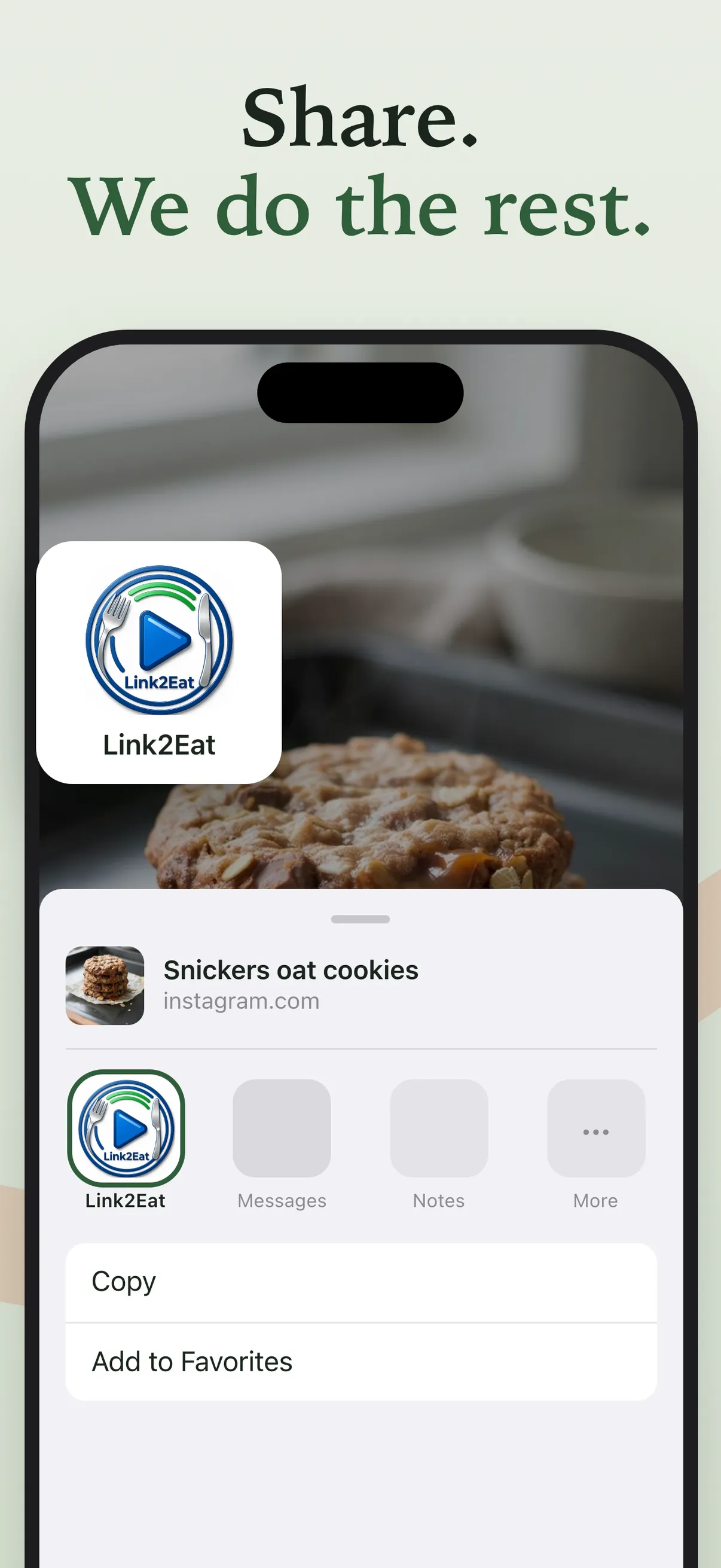
Share in, share out
Send a video to Link2Eat straight from the share sheet. Found a keeper? Send the recipe to a friend and they can save it to their own cookbook.
Why Link2Eat exists
Built for our own weekend cooking
All week my wife sent me cooking videos so we could pick what to cook on the weekend. She screenshotted the ingredients, at the store we scrolled back through the screenshots, and in the kitchen we kept pausing and rewinding. Link2Eat fixes that whole loop — choose, shop, cook. Now she forwards the videos to Link2Eat herself, and the recipes land in her cookbook.
— Founder of Link2Eat
Read the full storyTry it free, pay only if you keep cooking
-
Free trial
30 days · 5 recipes · videos up to 2 minutes · no card. The same for the app and the bot.
-
iPhone app
Free during early access. Paid plans will be announced before they start.
-
Telegram bot
After the trial, pick a monthly plan in the bot: Home Cook or Chef.
Questions
How do I turn a video into a recipe?
In the iPhone app, tap Share on a TikTok, Instagram or YouTube cooking video and pick Link2Eat. In Telegram, send the bot the video link or forward the video.
In about a minute you get the ingredients with amounts, the steps and calories, saved to your cookbook.
Is there an Android app?
Not yet — the Android app is coming soon. Until then, use the Telegram bot: it works on any Android phone, iPhone or computer.
Can I try it for free?
Yes. Every new user gets 30 days free with 5 recipes and videos up to 2 minutes, no card required. The iPhone app is free during early access; the bot has monthly plans after the trial.
Can I get more recipes for free?
Yes. Invite friends in the Telegram bot by sharing a recipe or your invite link. When a friend who is new to Link2Eat gets their first recipe, you get 4 bonus recipes (valid for 14 days). When they pay for their first subscription, you get 30 days of subscription. There's no limit on how many friends you can invite.
Which languages does it support?
The Telegram bot speaks 14 languages and writes the recipe in yours, even if the video is in another. The iPhone app is in English for now.
How long can the videos be?
During the trial, up to 2 minutes. The bot's Home Cook plan handles videos up to 3 minutes and Chef up to 10 minutes. Most TikToks, Reels and Shorts fit easily.
Is it safe?
Link2Eat never asks for your passwords and has no access to your TikTok, Instagram, YouTube or Telegram accounts. It only processes the videos you send it.
Got a cooking video saved somewhere?
Send it to Link2Eat and cook from a real recipe tonight.
30 days free · 5 recipes · No card required
Android app coming soon — use Telegram for now